Who needs social media when you can dd if=/dev/brainfart of=/dev/blograndom !?
Created · Updated
2026-10-06
Permission Fix
I had a few download links with incorrect read permissions, those are fixed now. Thank you for letting me know random visitor :)
2026-09-24
arachnopress 1.0.72
Ok, I think we're cooking on arachnogas!
Updated the build to target POSIX.1-2017
for portability across BSD, Linux, macOS, and other Unix-like systems
Replaced mktemp with private project-local workspaces created using mkdir, with consolidated cleanup
Updated Makefile and tr usage for portability
Release archives now use uncompressed .tar files, created with pax in ustar format
Fixed scroll-edge fades to cover the full index width, including scrollbar gutters, without leaving an unfaded strip
Hidden descriptive and build-date metadata in short landscape viewports to leave more space for the indexes
Added labelled dialog roles to Theme, Contact, and License popovers for assistive technology
Updated the documentation with build requirements, examples, and release instructions
2026-09-23
arachnopress 1.0.71
Mostly usability and cosmetic enhancements.
Added themed Previous/Next arrows to pop-over gallery image viewer (still no JS!)
Added scroll-edge fades to article and section/subsection indexes in landscape and portrait orientations
Added matching fades to the Theme and License popovers
Refined the landscape index with better dividers and a SECTION label
2026-09-22
arachnopress 1.0.70
Added optional custom-styles.css for site-local styling
Automatically included by make build and make full; excluded from releases
This blog's opacity, corner, and LCARS-inspired theme demos use this file to avoid changing styles.css
Reorganised and cleaned-up the documentation, it was a bit fragmented!
Added configurable SVG background opacity
Choose 0-100% in steps of 10 from the Theme selector
Set the initial value with DEFAULT_BACKGROUND_OPACITY; default 30%
Opacity stays selected when changing themes or light/dark modes
Background opacity (%)
2026-09-20
arachnopress progress
There are a couple of minor tweaks I'd like to make around configurable background opacity, but other than that I think we are feature complete.
The last couple of updates have been the result of careful checks and targeting near-full POSIX compliance, the only exceptions being those I've deemed
unlikely to cause any major problems and worth the exception (See requirements).
arachnopress 1.0.69
Minor fix to article slug string parsing
Fixed possible backslash in awk -v variable value (interpreted as escape sequence)
Minor awk script optimisations
Removed dependency on /dev/stderr (non-POSIX)
arachnopress 1.0.68
Applied fixes to gallery function for safe file path scanning and trailing slashes
Fixed a typography issue present in compact layouts when changing theme mode
Added a minor date validation fix
Updated documentation to reflect recent enhancements
2026-09-19
arachnopress 1.0.67
Added gallery function to image blocks
Existing image blocks become galleries by setting an image block's data-src to a sub-directory below the article directory
Gallery functionality is automated, so images don't need to be individually specified in article source
Supported images are arranged in filename order using a responsive grid of equal-sized thumbnails
Retained all existing image block controls for size, alignment, border, header, footer, and caption
Added filename tooltips, lazy loading, and asynchronous image decoding
Thumbnail images open the full image in the existing pop-over viewer with a raw-file link for direct viewing or download
Example GalleryPreview all 53 arachnopress theme variants↓
The Novels of the Malazan Empire audiobooks actually had full-length chapter sections, but I verified and matched against
Audnexus to generate the CUE files with correct section/chapter titles
The full-length chapters also exposed an oversight in the options provided to ffmpeg,
which was updated in the m4b2aac.sh script (added -movie_timescale 1000)
The image of the Innioasis Y1 running Rockbox now shows the chapter breaks as
provided by the CUE files
Downloadmalazan_cue_files.zipReady to use CUE files for MBotF / NotME17 KiBSHA256 (rockbox/malazan_cue_files.zip) = 81a4e1935bf3061e2944854d71281c9d0af0895269e49a52323d250152e69e9b
2026-09-13
arachnopress 1.0.65
Introducing four unofficial LCARS-inspired palette themes
RGB palette data sourced from Matthew Leonawicz's trekcolors
project and used under its MIT licence
Added the upstream 2357, 2369, 2375, and 2379 palettes
Mapped the palette colours to arachnopress interface and syntax roles, with palette-coloured interface accents and tuned background opacity
These fan-inspired themes are not affiliated with or endorsed by CBS Studios Inc. or Paramount
The upstream trekcolors project provides additional palettes
LCARS-inspired
2026-09-11
VLC/tvOS samba config
Apparently VLC really doesn't like transitioning from a plain SMB session using
server smb encrypt = if_required in [global] to an encrypted SMB share using
server smb encrypt = required in [private].
The work-around for this is to use desired in [global] and continue using required in
[private], so encryption is all or nothing and there's no renegotiation.
Now my LG Smart TV
doesn't know how obsessed with 90s Star Trek I am (technically anything ≤2005, beyond that just isn't Star Trek. Also, the TV probably still knows!)
- which reminds me, I must add an LCARS-inspired theme to arachnopress.
I've listened to Steven Erikson's
Malazan Book of the Fallen audiobooks on a few
devices, and annoyingly they have small embedded 20-25 minute sections rather than full chapter breaks, let alone chapter titles - I think this
is because they are quite old and there were chapter length limitations in some audiobook platforms back in the 2010s.
Additionally to that, many audio players (including Rockbox) don't even support the embedded section markers.
I decided to fix it with CUE files, which are supported by Rockbox and many enthusiast DAP devices, but bumped into a couple of other issues along the way.
Limitations (Rockbox, but may apply to other devices)
Supports <99 CUE sections per file, the Malazan audiobooks are massive and all contain >100 sections
AAC-HE (High-Efficiency) codec misinterprets some timing table entries, causing incorrect FF/RW seeking and jumps to CUE chapter positions
32-bit timing range limitation, high sample-rate means lower permitted maximum playback duration
Fixes / Work-arounds
Chapter counts are closer to ~24, and the (>100) section boundries always have a boundry that starts where a chapter begins
Used the Audnexus API to find real Section/Chapter times and titles for the 10 Malazan audiobooks
Matched each section/chapter timestamp against the already embedded sections breaks (extracted with ffprobe)
Created a ".chapters.txt" mapping file for each audiobook with chapter names and the index number of the embedded start section
Created m4b2cue.sh which builds a CUE file (Rockbox compatible) for each audiobook assisted by the mapping files
The AAC-LC (Low-Complexity) codec doesn't suffer from the timing table entry issue
Created m4b2aac.sh which uses ffmpeg to transcode the original AAC-HE files to AAC-LC
Parallel processing was implemented because transcoding is bound to a single core, running 10 audiobooks in parallel took my M2 Max macbook about 40 minutes
with fans running full speed!
Ensured album-art and existing metadata was preserved in the transcoded files
Added options for bitrate and channels, with sane defaults if unset.
m4b2aac.sh uses a fixed 24kHz sample rate, which keeps below the 32-bit timing range limitation, providing a max of ~49.7 hours
After dropping the CUE files alongside the AAC-LC .m4b files and enabling the CUE file support setting in the Rockbox menu,
everything worked perfectly with accurate FF/RW, chapter navigation, and chapter titles. I've provided the finished CUE files here,
and included the chapter mapping files just in case they might be useful.
I'll update this to include Novels of the Malazan Empire as soon as I purchase them from libro.fm.
Downloadmalazan_cue_files.zipReady to use CUE files for MBotF / NotME17 KiBSHA256 (rockbox/malazan_cue_files.zip) = 81a4e1935bf3061e2944854d71281c9d0af0895269e49a52323d250152e69e9b
The next task is too see what can be fixed in the Rockbox source to remove these limitations . . .
Added to scripts article
These are POSIX sh scripts, and should be good templates for further (parallel) ffmpeg/ffprobe conversion/generator scripts.
Requirements are ffmpeg/ffprobe. m4b2cue.sh makes substantial use of jq.
m4b2aac.sh - Parallel batch Conversion of m4a/m4b to AAC-LC
m4b2cue.sh - Extract CUE file from m4a/m4b, optionally guided by Chapter metadata files
The Innioasis Y1 is a relatively cheap android DAP, which seems to be based on
mobile-type hardware - Importantly it has a relatively good speaker, which I believe is the sound-dampening ball filled type.
I bumped into it online whilst looking for a replacement Rockbox capable DAP to replace my ancient Sandisk Sansa Clip. I was also
looking for something with an internal speaker, as I plan to use it for listening to audiobooks whilst going to sleep.
Flashing to Rockbox using rockbox-y1/rockbox was a painless process via the
Mediatek Flash and Repair Utility - although I did end up doing it on debian, as
macOS's raw USB access needed elevated privileges that I didn't want to provide (certainly not via sudo and a bunch of Python PyPI packages!)
The original firmware was pretty terrible in terms of sleep-timer configuration and fast-forward/rewind acceleration. Rockbox
has both of these (and most everything else!) tuned/configurable to perfection - I have automatic resume and sleep timer enabled on boot, as well
as bookmarking features.
The touch wheel works surprisingly well, and it looks like it can run Quake! Although, right now this is a dedicated
Malazan Book of the Fallen device.
I recommend libro.fm for all your DRM-free audiobook needs.
2026-09-05
arachnopress 1.0.64
Enhancements to create/modify date handling
Added optional data-created and data-modified attributes to h2/h3 tags
Dates conditionally roll-up to parents and are used for better Atom feed ordering and article index sorting
A rule-based comparison mechanism is used for optimal handling of create/modify dates if/where provided
2026-09-04
arachnopress 1.0.63
Enhanced Atom feed with data-feed-sections article attribute values:
none (or unset), does not include article
h1, article title, plain-text summary, link to article
h2, "article title - section heading", link to section
h3, "article title - section heading", link to sub-section(s)
2026-09-03
arachnopress 1.0.62
Refined Atom 1.0 Feed support
⚛︎ button now has the correct mime-type (set for .atom files, and configured in httpd.conf example)
2026-09-02
arachnopress 1.0.61
Atom 1.0 Feed support added!
Article index browser-native tooltips with summary text and metadata
Article Creation/Updated dates now have default values and "auto" option
Theme mode selector configurable at build: off/exact/auto/light/dark
2026-08-30
Config files article
Added a config files article, as an archive for myself and maybe useful to a passing wanderer.
I think the universe wants me to join the drooling mass of smooth grey goo that is all TikTok and Meta-platform users,
but I intend to persist into the next aeon by becoming such an obscenely supermassive black hole that, after a
googol years of Hawking away on the cosmic back burner, my final evaporation crosses the conformal boundary as
a Hawking point - thus remaining, in the weakest possible sense, available for the next universe.
ngircd.conf - Chrooted ngIRCd IRC server config for OpenBSD, became redundant.
smb.conf - Samba config for MacOS/iPadOS/iOS and MS Windows clients on OpenBSD/FFS2
Finally gave up struggling to read small-print . . .
Porsche Design Reading Tool P8801
Weight: ~16 g
Lens width: 48 mm
Lens height: ~21-22 mm
Bridge: ~21 mm
Temple: 150 mm
Overall width: ~126 mm
Front: stainless steel
Temples: high-tech polyamide / RXP
Lenses: polycarbonate (AR/UV)
Finding a decent pair of half-moon reading glasses that I can leave sat on the end of my nose all day turned out to be quite difficult
until I found the Porsche Design "Reading Tool". I had to give up on my idea of actual half-moon lenses and gold plated frames for
reading cosmic horror by candle light, but it still turned out well.
Apparently Porsche have been making this exact design for the last 20 years, which is pretty weird considering I could only find two
videos of them on the less cosmic but certainly horrific YouTube. I can see why they stuck with it though, my first time needing
glasses and I don't even notice they're there - I can actually read the tiny date window on my Seiko now, after forgetting it even had one!
2026-08-08
arachnopress 1.0.58
Image blocks needed a few enhancements, mainly alignment issues
Very pleased with it, this was my first time adjusting a pin & collar bracelet, and I think the easiest so far to size -
Lower end split pins need too much force (link tool / hammer) and higher end screw bar/tube systems
always bother me due to tightening force and damaging the thread or screw-head (not forgetting decent screwdrivers).
arachnopress 1.0.57
I think it's finished . . .
Technical reference
arachnopress
Build a zero-JS static article site from hand-written HTML fragments.
Created · Updated
DESCRIPTION
arachnopress builds a single-page or multi-page static site from
articles/slug/article.html files. Run make build
to generate site/, then serve it as static files or open
site/index.html through file://.
The build targets
POSIX.1-2017
shell and utilities for portability across BSD, Linux, macOS, and other
Unix-like systems.
The generated interface uses HTML and CSS only; it requires no
client-side scripting or server-side processing.
FEATURES
File-backed code blocks with syntax highlighting, collapsible headers,
optional footers, raw links, sizes, and header/footer navigation.
Download blocks with file sizes and checksums.
Image blocks and directory galleries with responsive sizing, framing,
alignment, text flow, and enlarged-image popovers.
Small, editable HTML article fragments with optional arbitrary HTML.
Single-page or per-article output; optional unlisted articles and
extensionless page links.
Responsive article, section, and subsection indexes; title/date sorting,
summary tooltips, and creation/modification metadata.
Opt-in Atom entries for whole articles or sections, with subsection links.
Release targets: cmp and pax with ustar output.
Some systems require installing pax separately.
Text inputs: UTF-8 without NUL bytes. Host text utilities must preserve
UTF-8 and support the longest input line, including SVG and code files.
Optional highlighting: pygmentize (Pygments, default) or
GNU source-highlight.
Optional download checksums: sha256, sha256sum,
shasum, or openssl; the first successful one is used.
Browser: CSS :has(), :target,
prefers-color-scheme, native details/summary,
and HTML popovers. CSS random() is optional.
BUILD
Work from the project root, which contains Makefile.
Edit PUBLIC_SITE_ENV in the Makefile for the site's
identity, appearance, and feed settings. Set its own SITE_URL
and SITE_AUTHOR, or disable SITE_FEED.
If removing the bundled article, replace its SVG paths or disable the
SVG icon and backdrop.
Add or edit articles below articles/.
Run make build. Deploy or inspect site/index.html.
Environment and command-line make variables override profile defaults.
build copies all article directories and renders the site
in staging before replacing site/.
Keep maintained files outside site/. Run builds from the
source root, never from the generated tree.
Rerun after changing articles, assets, CSS, or settings. Stylesheet and
favicon URLs carry content-based cache tokens.
All targets share site/; run one target at a time, without
parallel builds. Keep the Makefile's FORCE target name free
of files.
Build examplesRun each example from the project rootraw
make build
# Set independent corner and background-opacity defaults.
make DEFAULT_ROUNDING=rounded DEFAULT_BACKGROUND_OPACITY=20 build
# Per-article pages with system light/dark selection and no theme menu.
make SITE_MODE=multi-page DEFAULT_THEME_MODE=auto \DEFAULT_THEME_SELECTOR=false build
# Per-article files for file:// navigation, using a fixed theme.
make SITE_MODE=multi-page SITE_URL_STYLE=html \DEFAULT_THEME=solarized-dark DEFAULT_THEME_MODE=off \DEFAULT_THEME_SELECTOR=false build
# Published articles only, without theme controls or an article backdrop.
make SITE_MODE_UNLISTED=falseSITE_BACKGROUND=false\DEFAULT_THEME_MODE=off DEFAULT_THEME_SELECTOR=false build
# Set this site's Atom feed identity.
make SITE_FEED=trueSITE_URL=https://example.com \SITE_AUTHOR='Example Author' build
For generator release packaging, see MAINTENANCE.
ARTICLE FORMAT
Article structure
Create articles/slug/article.html with this structure:
<articleclass="article"id="getting-started"data-title="Getting Started"data-created="2026-07-09"data-modified="2026-07-09"data-feed-sections="h1"><headerclass="article-header"><pclass="kicker">Guide</p><h1>Getting Started</h1><pclass="summary">
A short article built from one editable HTML fragment.
</p></header><section><h2>Example</h2><p>Article text is normal HTML.</p><h3>Subsection</h3><p>Plain one-line h3 headings appear under their preceding section.</p></section></article>
Keep the opening article tag on one line. Its class list
must include article; id must match the directory
name; data-title supplies the index title.
Use double-quoted attributes read by the generator.
The header contains h1, an optional kicker, and
p class="summary". The summary may span lines and contain
inline HTML.
Use normal HTML for article content. Author HTML and inline SVG are
trusted input; they are not sanitised. Author-supplied scripts or
external resources remain part of the output.
data-listed: true (default) or
false; see Unlisted articles under CONFIGURATION.
data-feed-sections: none (default),
h1, h2, or h3; see ATOM FEED.
Headings and links
Use h2 sections and h3 subsections. Every
source h2/h3 is indexed; each must contain plain
text and close on the same line. An h3 follows an h2.
Explicit heading IDs are optional. Otherwise, IDs derive from the
article and heading text; repeated names receive unique suffixes.
Slugs and explicit IDs use ASCII letters, digits, dots, underscores,
and hyphens. Article, heading, control, and generated-block IDs must
not collide. Keep IDs on other author elements unique.
Single-page links use #article-id or #heading-id.
Multi-page links use slug.html#heading-id, or
slug#heading-id with extensionless URLs.
Copy section links from the generated index, or assign explicit IDs
for links that must survive heading renames. Author-written links are
not rewritten when the output mode changes.
Article, h2, and h3 attributes accept
auto or a value beginning with a valid YYYY-MM-DD
date. Metadata, date sorting, and feed timestamps use the date portion.
Article data-created
Missing, empty, or auto: current UTC build date.
Article data-modified
Missing or empty: resolved creation date. auto: UTC build date.
Heading dates
data-modified takes precedence over data-created.
auto uses the UTC build date. An undated h2
inherits the article's resolved modification date; an undated
h3 contributes no date. A newer child h3 date
updates its parent section's effective date.
The effective article modification date is the newest resolved article
or heading date. It drives Updated metadata, modification sorting, and
whole-article feed entries.
Missing and empty heading attributes have the same fallback behaviour.
The header displays Created, plus Updated when different, with
middle-dot separators. Unlisted articles also display Unlisted.
Heading dates never reorder sections or subsections. Creation sorting
continues to use the article's creation date.
Use explicit dates for stable publication metadata. The build does
not write resolved dates or generated heading IDs into source files.
GENERATED BLOCKS
Each marker is an empty element on one source line.
data-src is relative to the article directory. Path
components use ASCII letters, digits, dots, underscores, and hyphens;
empty components, ., .., and symlinks are rejected.
Missing or invalid sources render visible missing blocks. Non-empty
or multiline markers stop the build.
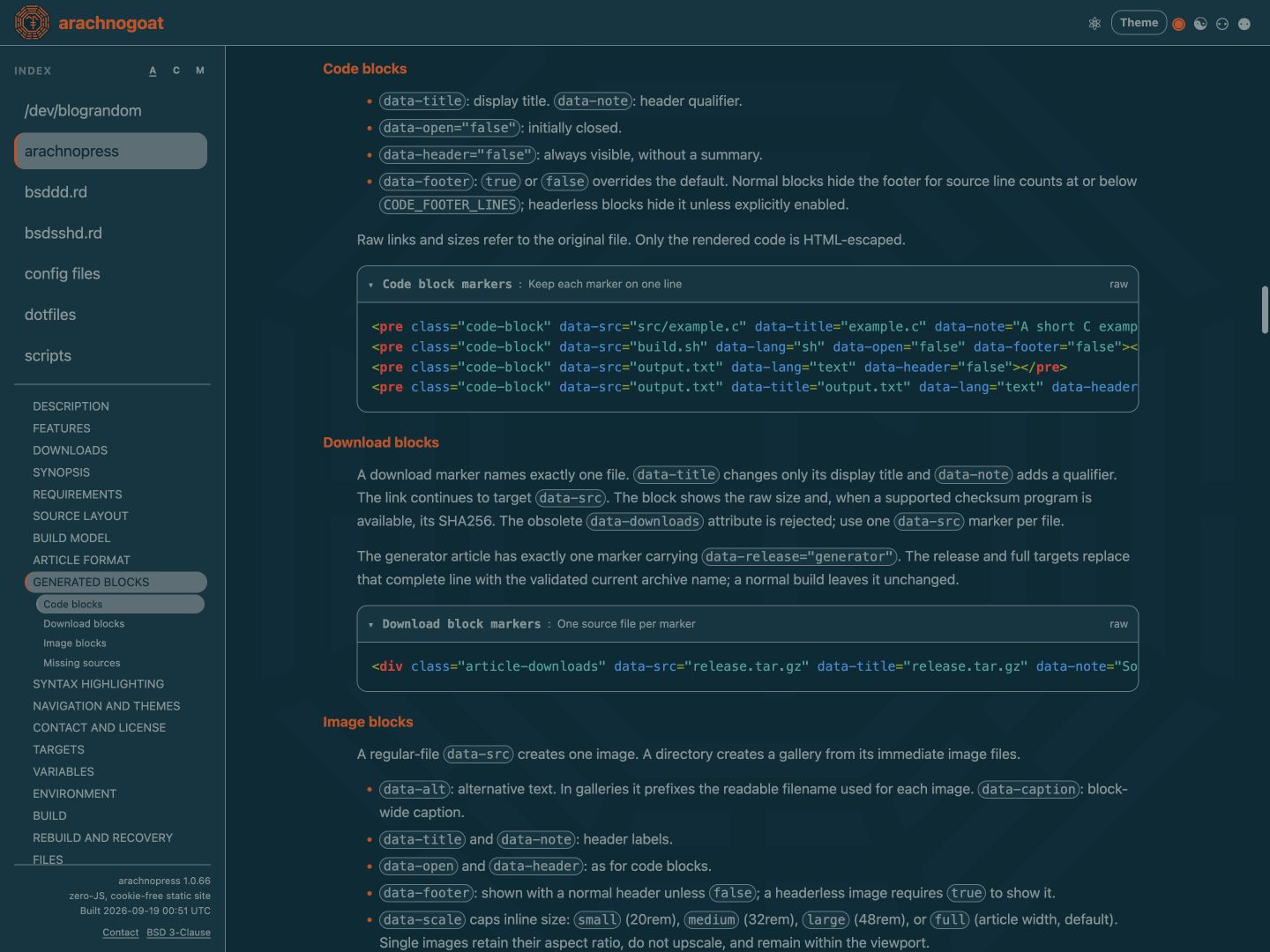
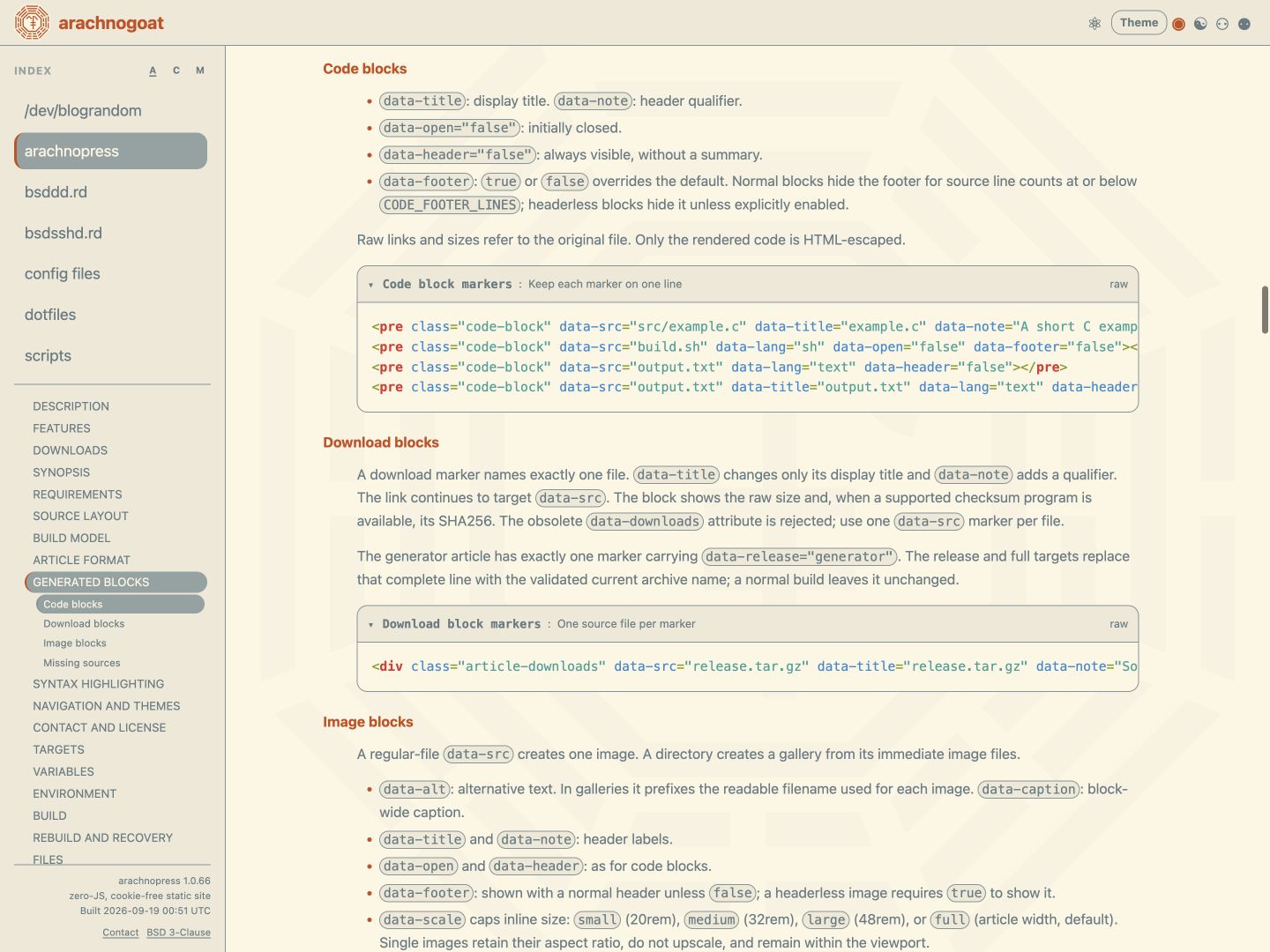
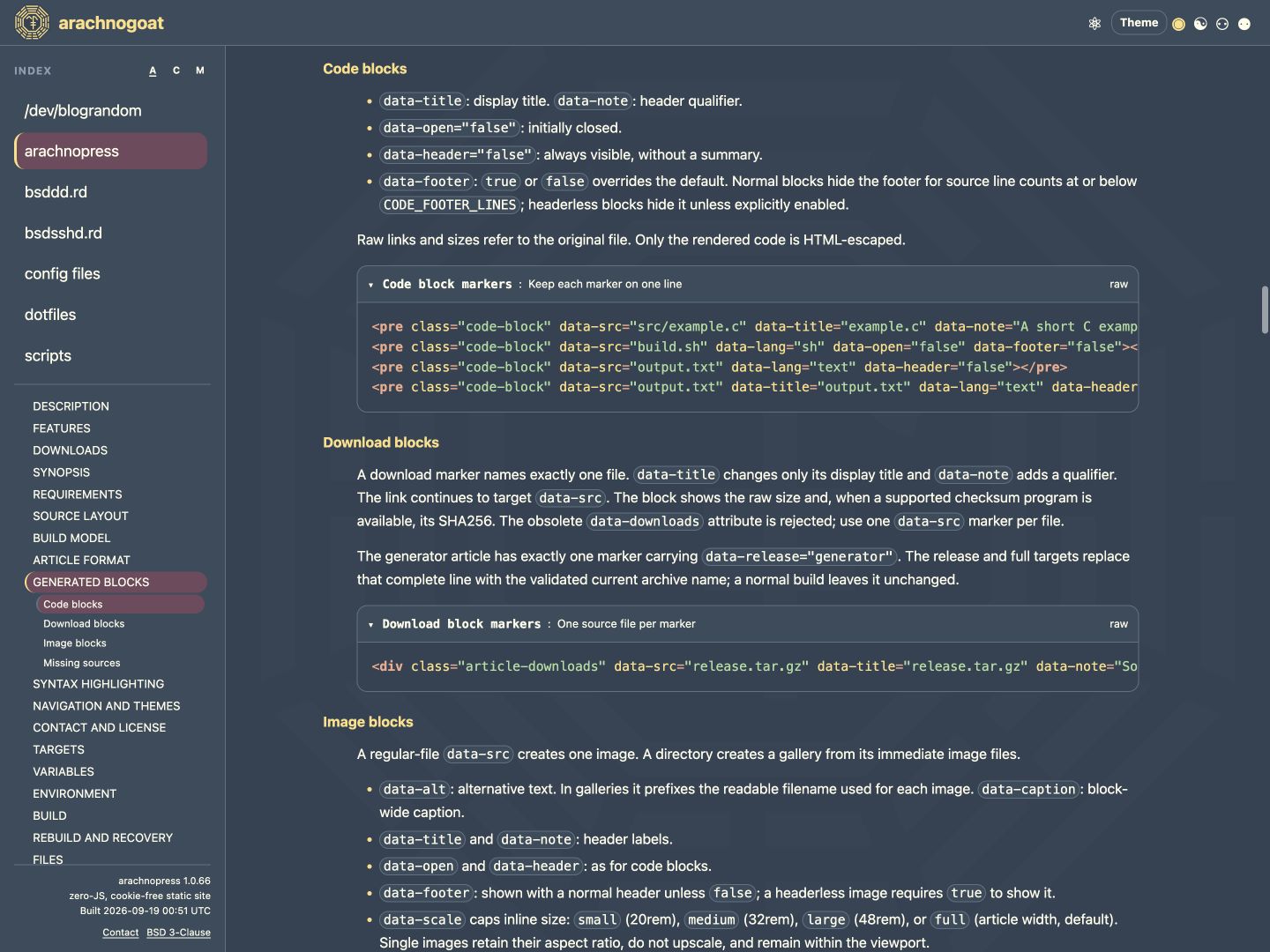
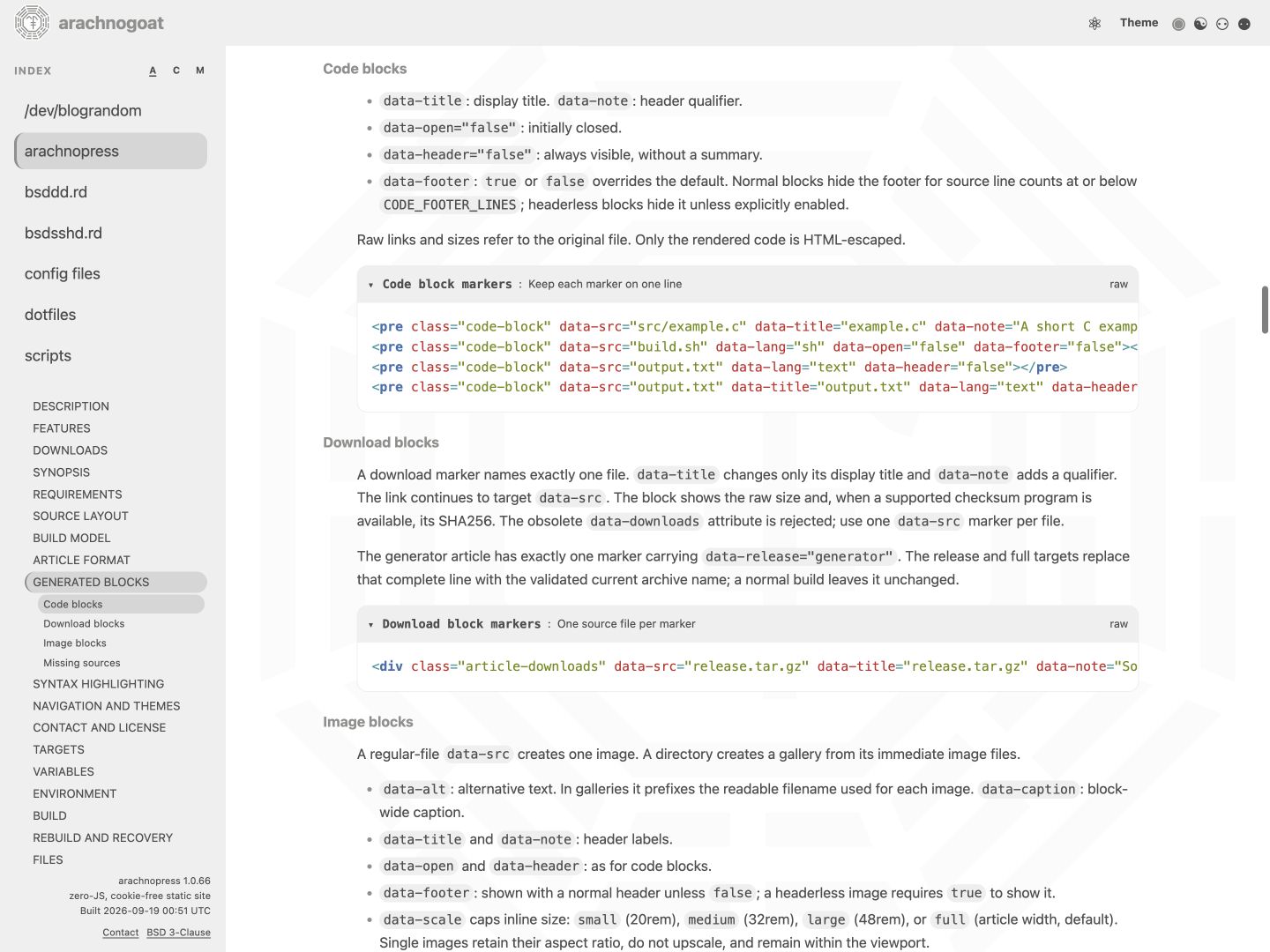
data-title overrides the displayed source path;
data-note adds a header qualifier.
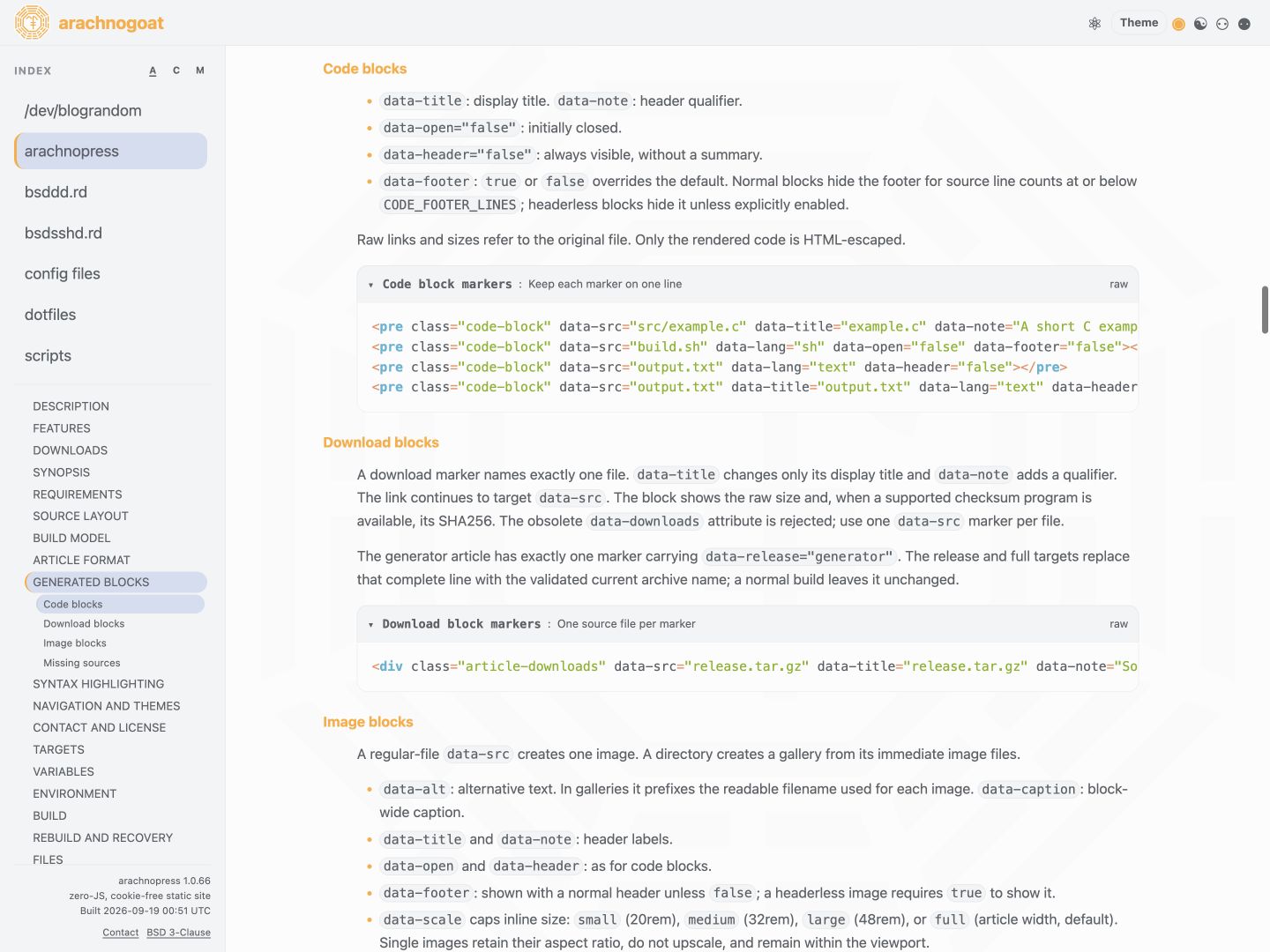
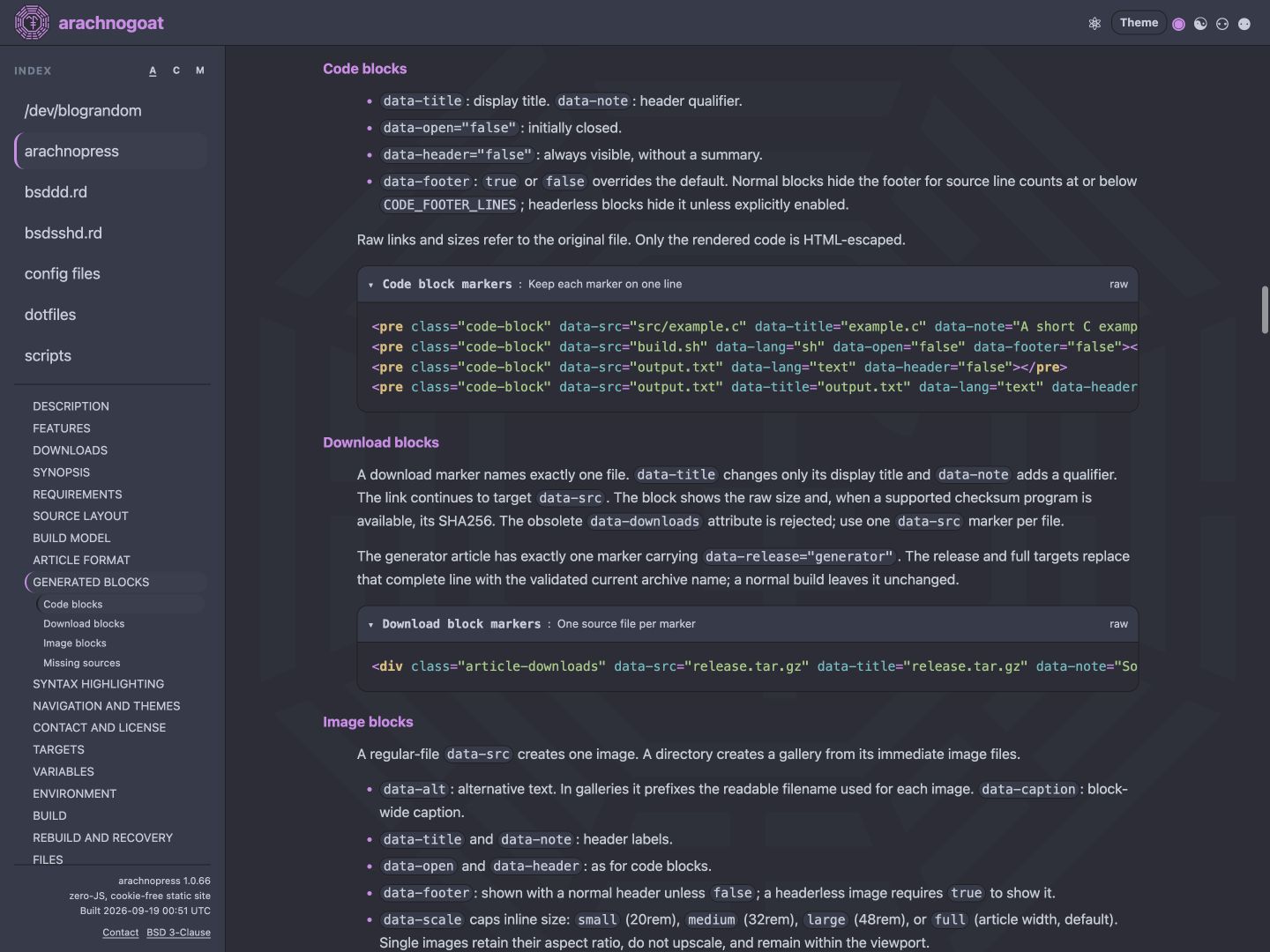
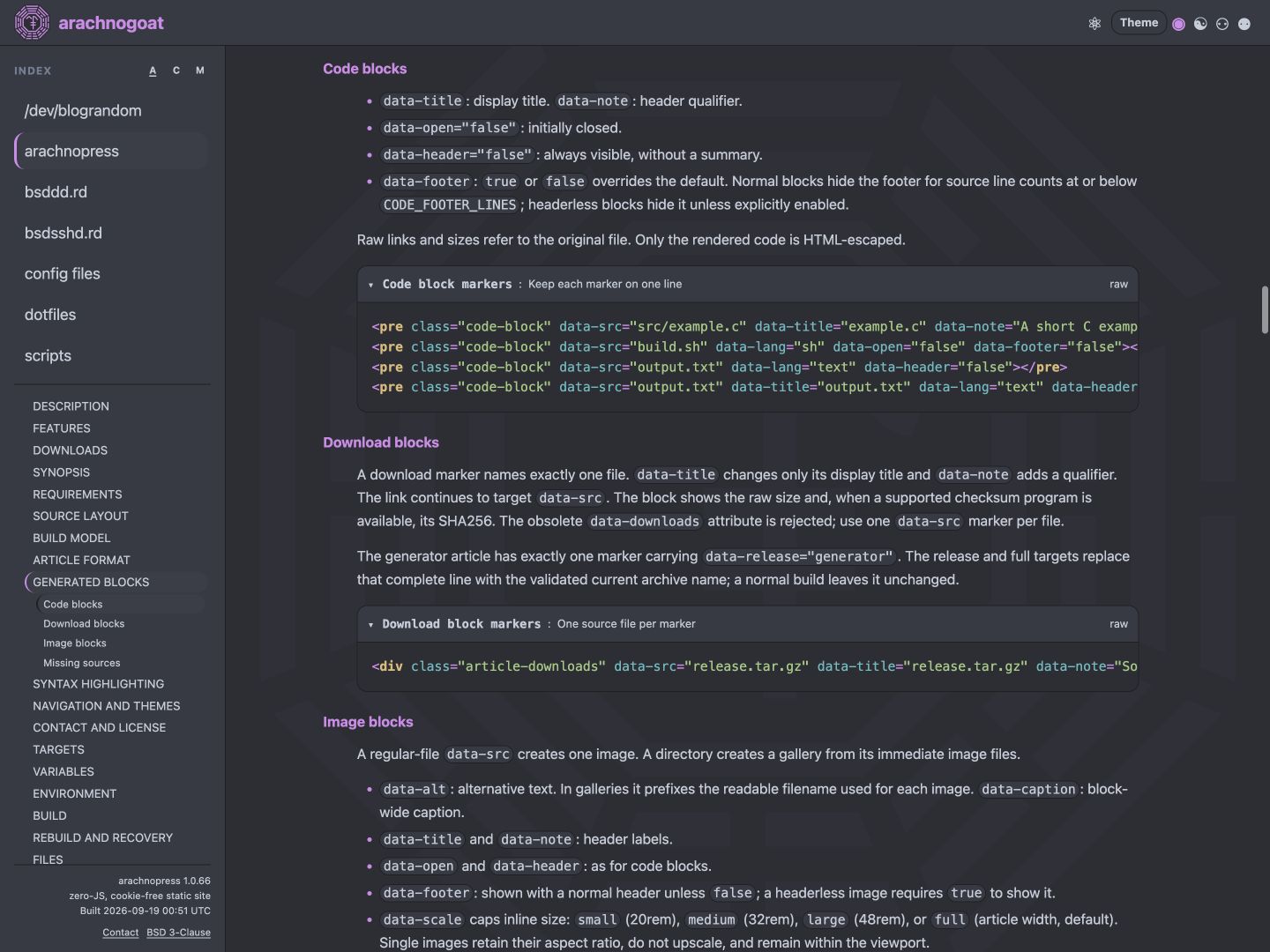
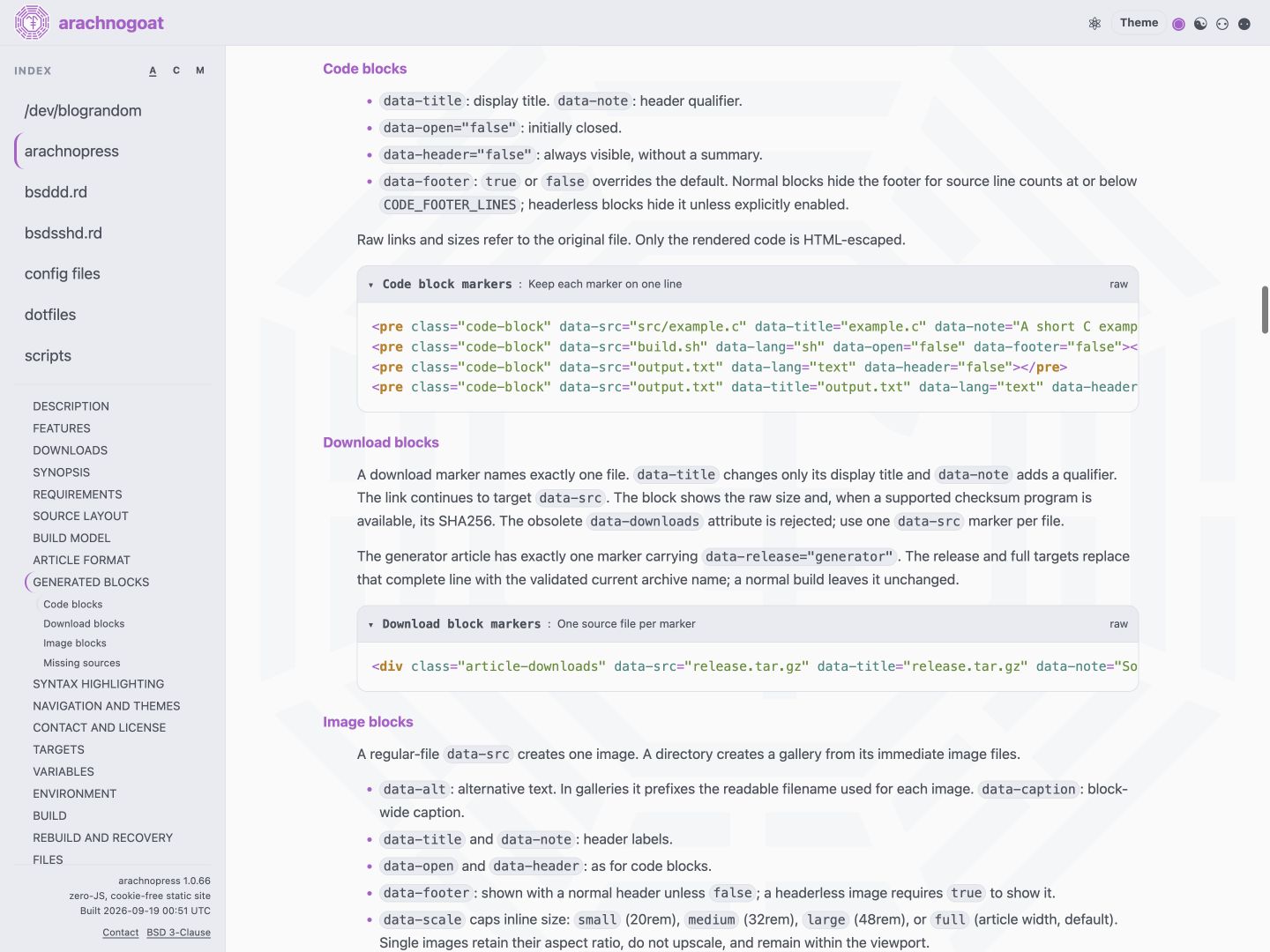
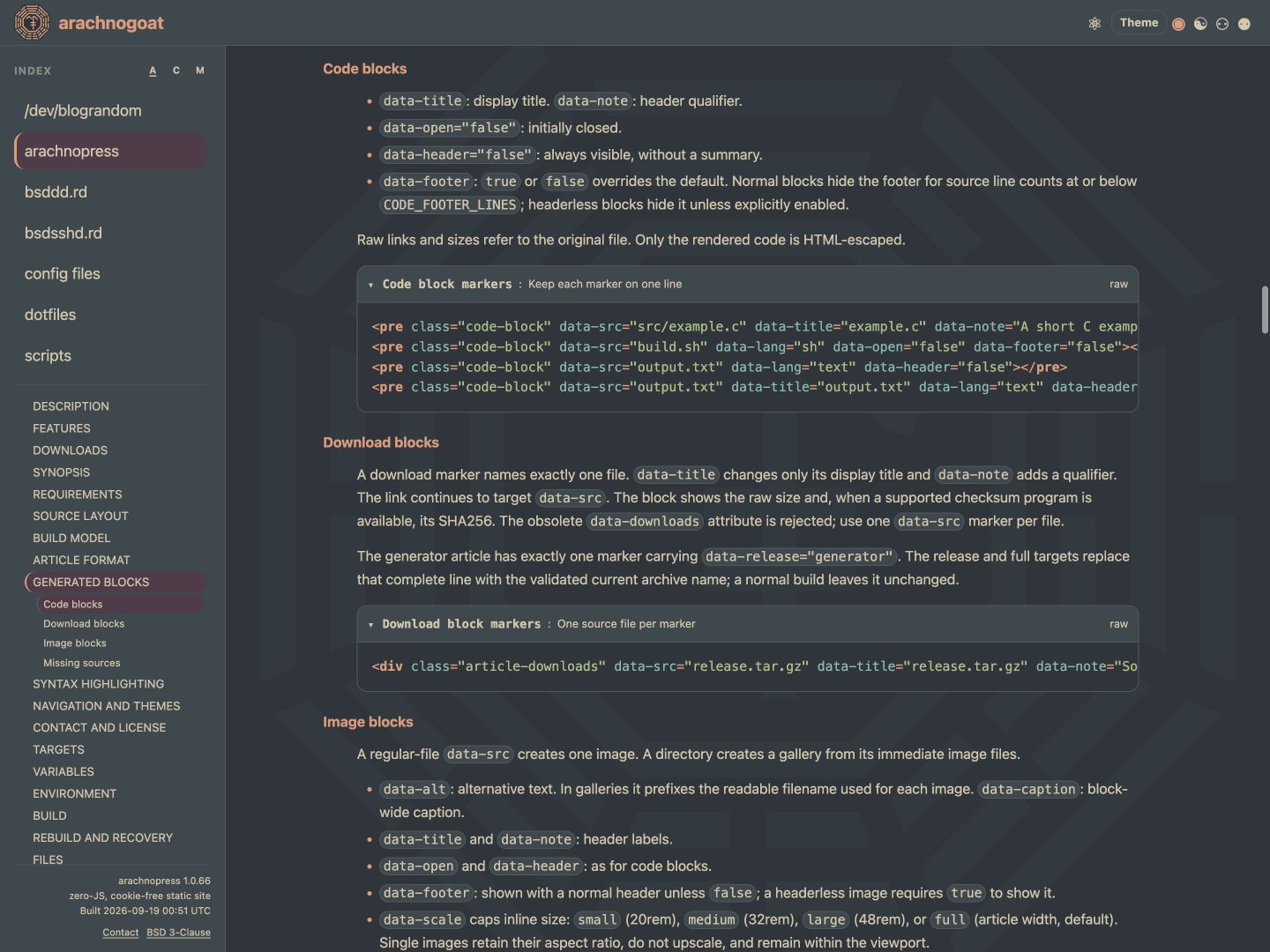
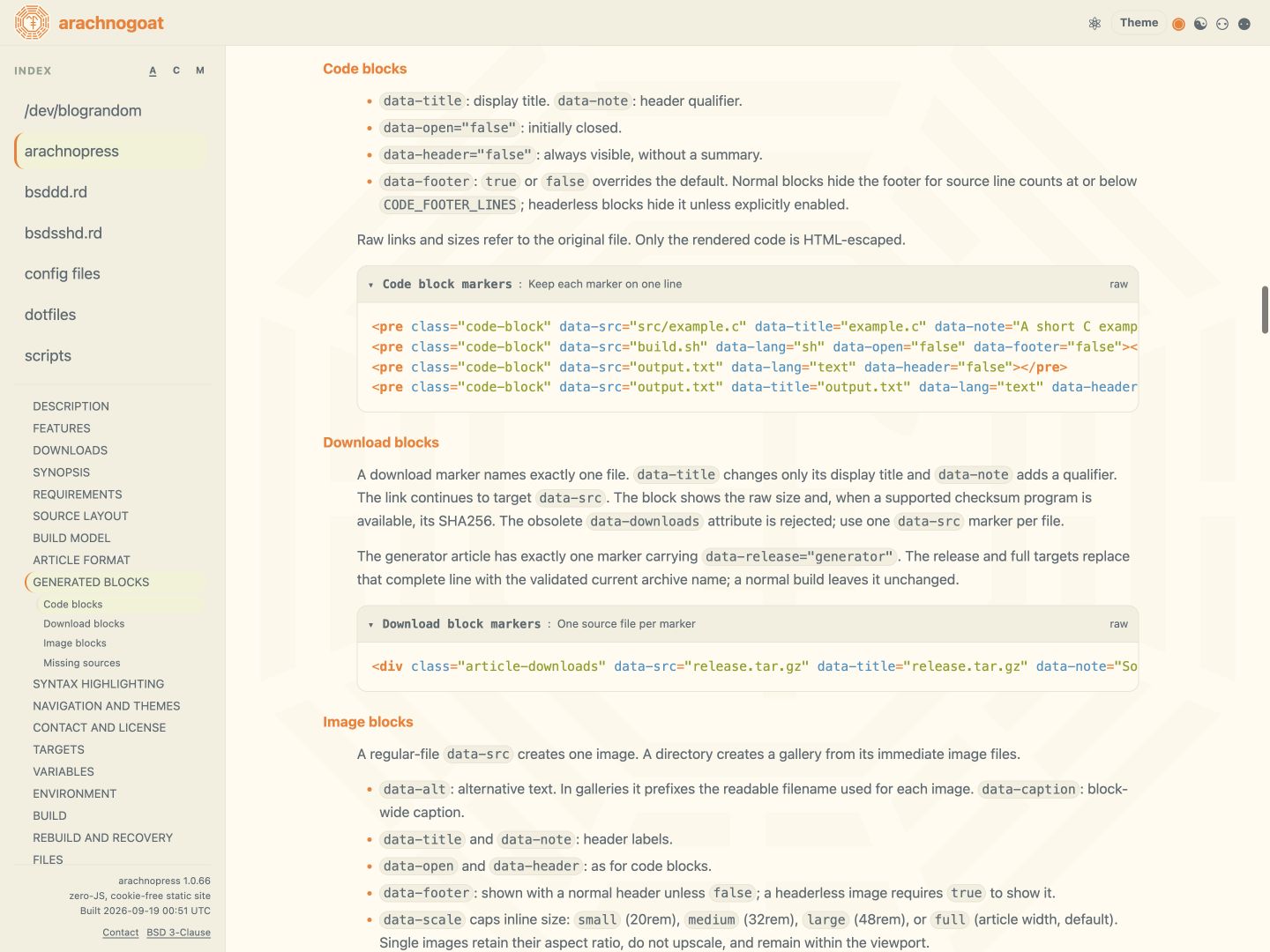
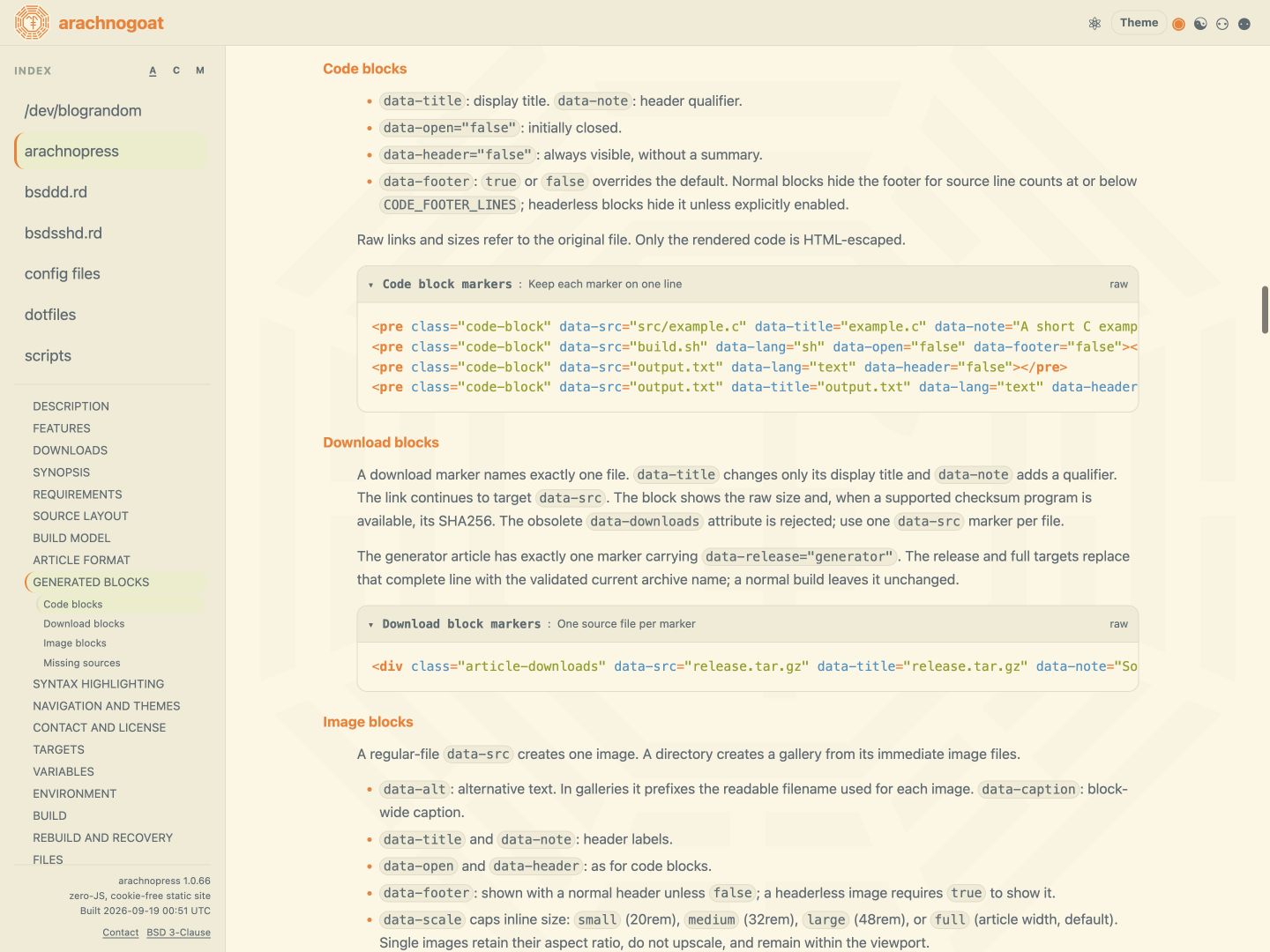
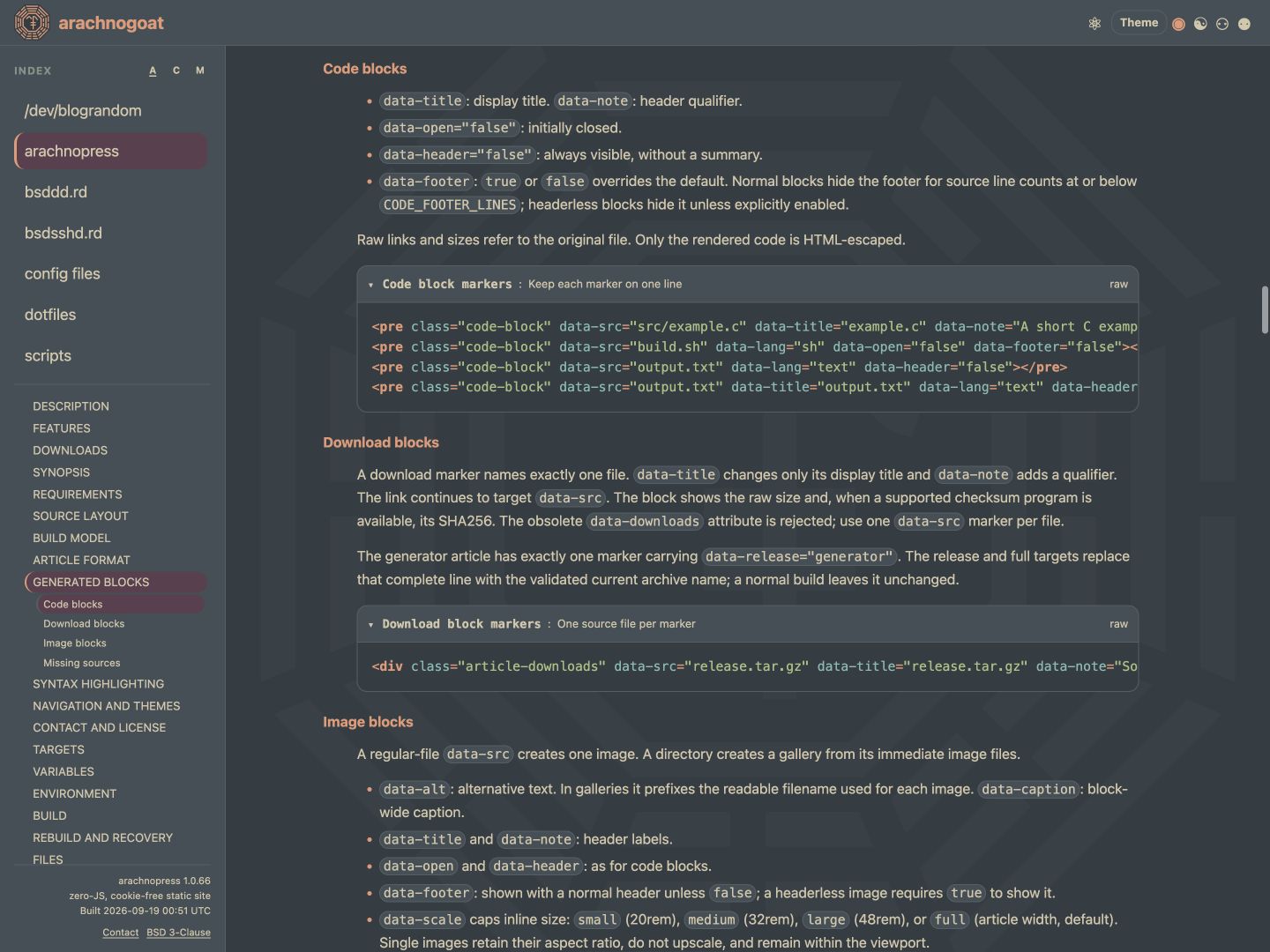
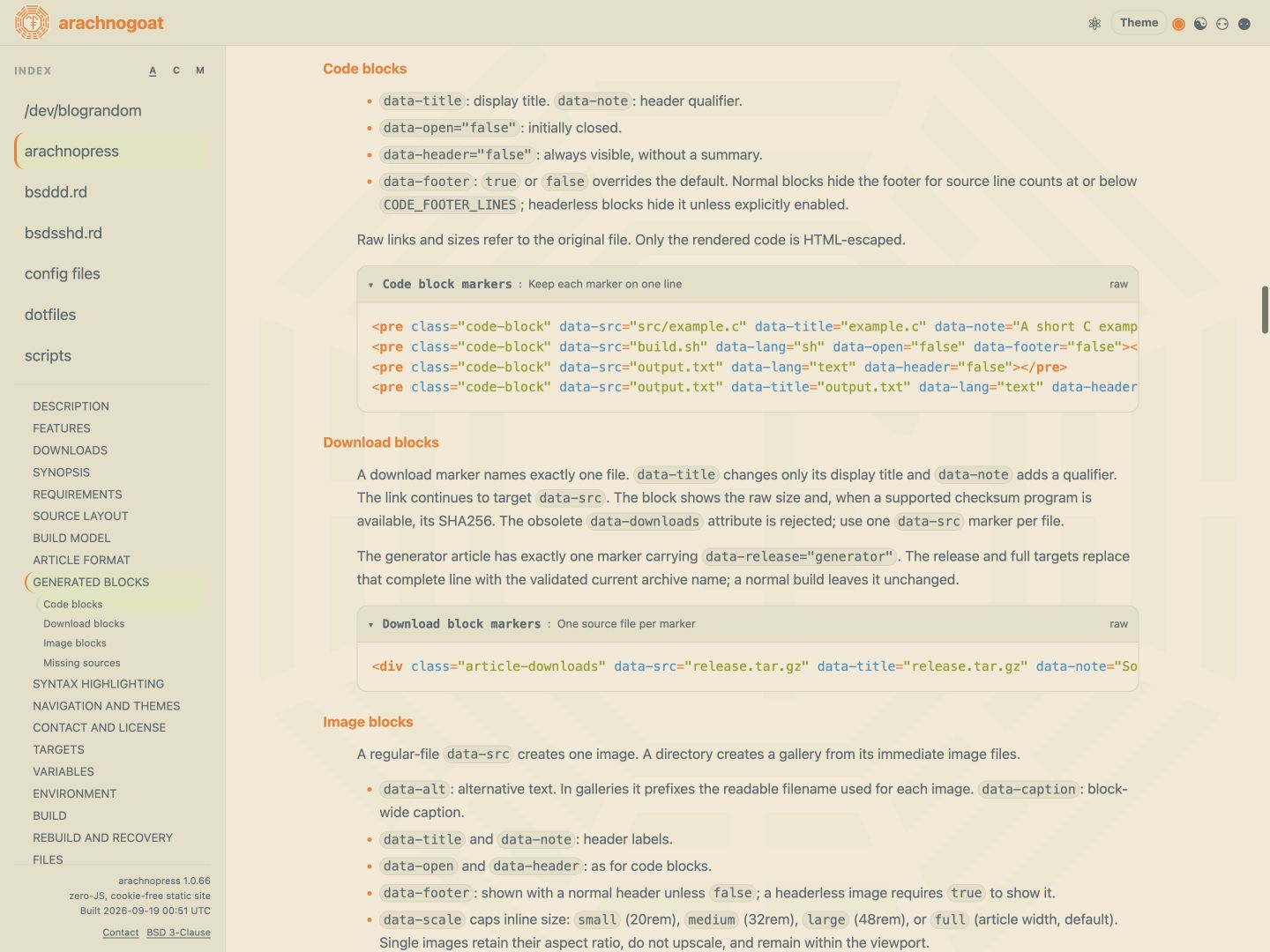
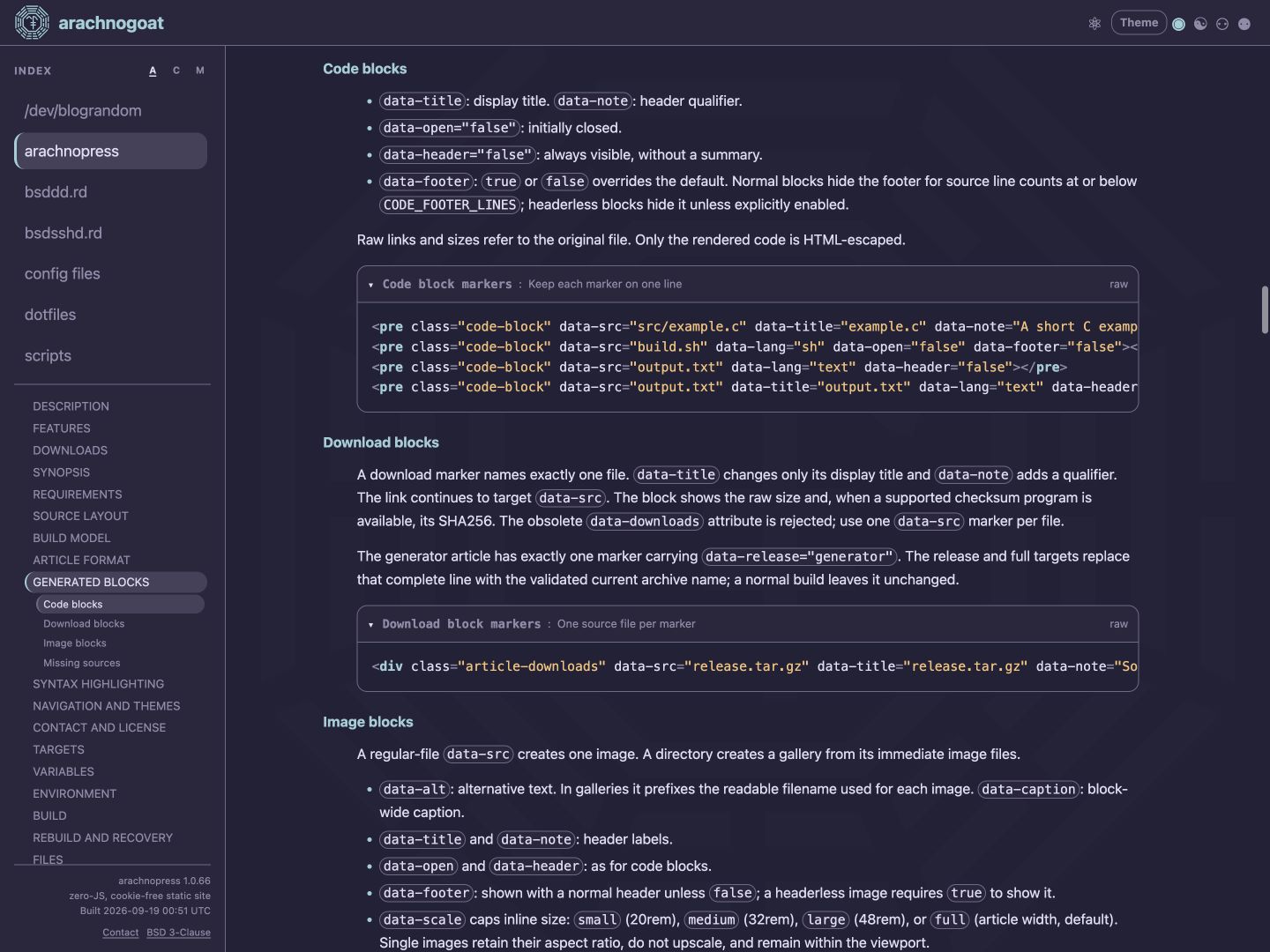
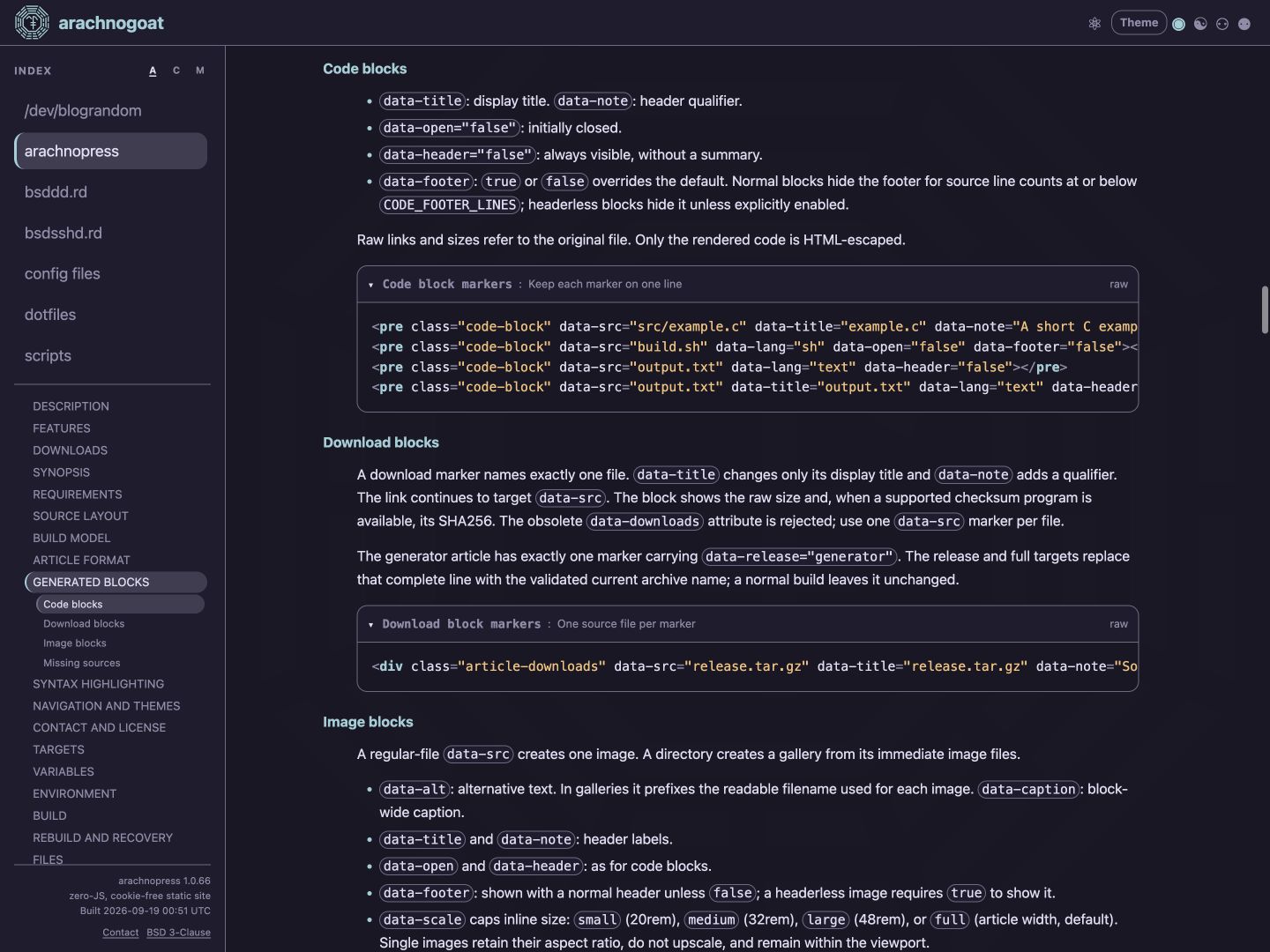
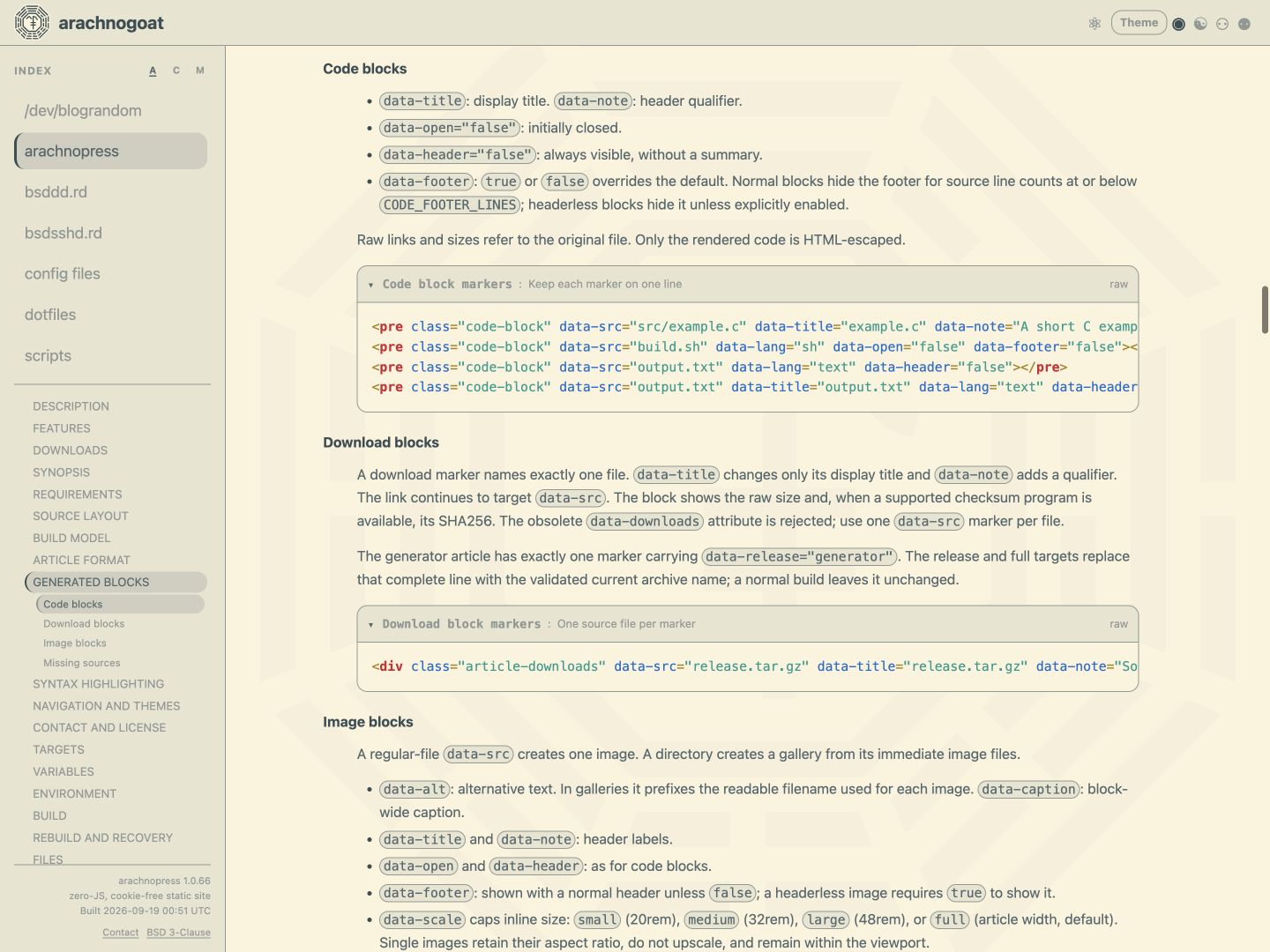
<preclass="code-block"data-src="src/example.c"data-title="example.c"data-note="A short C example"data-lang="c"></pre><preclass="code-block"data-src="build.sh"data-lang="sh"data-open="false"data-footer="false"></pre><preclass="code-block"data-src="output.txt"data-lang="text"data-header="false"></pre><preclass="code-block"data-src="output.txt"data-title="output.txt"data-lang="text"data-header="false"data-footer="true"></pre>
data-lang: explicit lexer, or omit for filename inference.
Pygments auto also permits content guessing.
data-open="false": initially collapsed; default is open.
data-header="false": always visible, without a header.
Header/footer arrows navigate between the bars. Raw links and sizes
refer to the original file.
HIGHLIGHTER selects pygments (default),
source-highlight, or none:
Missing tools, unknown lexers, failed highlighting, or unusable output
fall back to escaped source. none always uses escaped source.
Source-highlight uses tools/html-fragment.outlang; an
omitted or auto language enables its language inference.
Highlighted output follows the selected theme. Whitespace-only
Pygments span.w and Source-highlight
span.sh-normal wrappers are removed without removing whitespace.
Alternative text / visible caption. A gallery caption covers the
whole block; its alternative text prefixes each readable filename.
data-open / data-header
As for code blocks: open and headed by default; false
collapses the block or removes its header.
data-footer
Shown with a header unless false. Headerless images
require explicit true.
data-scale
small (20rem), medium (32rem),
large (48rem), or full (default).
Caps image/gallery width within available space; frame padding is additional.
data-border
full (default): full-width frame.
fit: frame fitted to the image or gallery, with equal-width
header and footer. none: no frame, padding, header, or footer;
the block retains an opaque article-background surface.
data-align
start, center (default), or end.
Aligns the image inside a full frame, or the entire fit/borderless block.
Single images preserve aspect ratio, scale down to fit, and do not upscale.
Images load lazily and decode asynchronously.
Unknown scale, border, or alignment values stop the build.
Galleries and viewers
Galleries read immediate AVIF, GIF, JPEG, PNG, SVG, and WebP files in
filename order. They do not recurse; hidden, unsupported, or invalid
filenames are ignored. An empty gallery renders a missing block.
Previews occupy equal square cells and may crop. Small galleries use
one to three columns; larger galleries fit columns to the block width.
Thumbnail tooltips show filenames. The footer shows the image count;
each enlarged gallery image has its own raw link.
Click an image to open its themed viewer over the article pane.
The complete image retains its aspect ratio and scales down without upscaling.
Gallery viewers have pointer-operated Previous/Next arrows in filename
order, stopping at each end. Keyboard users close the viewer and select
another thumbnail.
Click the enlarged image or X, press Escape, or click outside to close.
Image cursors indicate zoom in/out. Missing blocks have no viewer.
Text beside images
Place the image marker directly inside an article section,
before the text that should flow beside it.
Use data-border="fit" or "none" with
data-align="start" or "end".
Above 760px, the block occupies at most 55% of the section width,
subject to its size limit. Following paragraphs and text lists flow beside it.
Headings, generated blocks, preformatted blocks, tables, horizontal
rules, consecutive images, and the section end clear the flow.
Centered/full-frame blocks stay on their own row. At narrower widths,
blocks return to normal flow and start/end-aligned images are centred.
CONFIGURATION
Edit Makefile defaults or override individual values with make NAME=value build.
PUBLIC_SITE_ENV: site defaults for build and full.
RELEASE_SITE_ENV: site defaults for release.
BUILD_ENV: shared defaults.
Below, public means build/full; release means the
release profile. Boolean settings accept true or false.
Site and navigation
SITE_TITLE
Header brand, site page title, and contact-marker prefix.
Default: public arachnogoat; release arachnopress.
SITE_MODE
single-page (default): all generated articles in
index.html. multi-page: one article per
slug.html, plus index.html containing the first
listed article. Each page embeds its navigation rules and shares the CSS.
SITE_URL_STYLE
html: page links retain .html.
extensionless: multi-page navigation and contact actions
use slug and ./; files retain .html.
Requires a server rewrite. Single-page output is unaffected.
Default: public extensionless; release html.
ARTICLE_ORDER
Initial index order: title (default), created,
or modified. Title sorting is case-insensitive; date sorting
is newest first. Ties use the slug. Visitors can switch order with the
index controls; sections and subsections retain source order.
The first listed article in the configured order is the initial article.
Multi-page slug.html titles use article title followed by
SITE_TITLE; the index page uses SITE_TITLE.
Multi-page slugs cannot be index. Extensionless slugs also
cannot contain dots or collide with a path at the site root.
Landscape navigation uses a left pane; narrow/portrait navigation uses
horizontal article, section, and conditional subsection rows.
In browsers supporting scroll-driven CSS masks, index lists and
Theme/license popover bodies fade at edges with hidden content. Fades
clear at reached boundaries; unsupported browsers scroll without fades.
Article-title tooltips show a plain-text summary and a final line of
Created/Updated dates. Unsupported summary markup falls back to dates
only. Native tooltip appearance is browser-controlled.
Single-page HTML includes all generated article bodies and highlighted
spans. Use multi-page output, excerpts, or HIGHLIGHTER=none
for large code-heavy collections.
Unlisted articles
Mark an article data-listed="false".
SITE_MODE_UNLISTED=true generates it; false
excludes it from generated pages and navigation. Default: public
true; release false.
Single-page: accessible by article/heading fragment, with section
navigation, but absent from every article-title index.
Multi-page: its page indexes all listed articles plus itself, never
another unlisted article. Listed pages omit it. Its robots directive is
noindex, nofollow.
Unlisted content is public. Single-page output has no per-article robots
directive. All included source directories are still copied to
site/articles/, even when unlisted generation is disabled.
At least one listed article is required. Unlisted articles never appear
in the Atom feed.
Themes and controls
DEFAULT_THEME
Theme input ID from tools/theme-menu.html, with or without
theme-. Default: public everforest-hard-dark;
release solarized-dark.
DEFAULT_THEME_MODE
off: no mode control; use the selected theme unchanged.
exact, auto, light, or
dark: show all four controls and select that initial mode.
Default: public exact; release off.
DEFAULT_THEME_SELECTOR
true (default): show the Theme popover in either page mode.
false: fix the theme, corners, and opacity to build values.
The separate mode control remains governed by DEFAULT_THEME_MODE.
DEFAULT_ROUNDING
square, soft, rounded, or
round. Applies across controls, highlights, blocks, images,
and popovers. Default: public soft; release square.
DEFAULT_BACKGROUND_OPACITY
Initial SVG backdrop opacity: 0 to 100 percent
in steps of 10. Default: 30. Its selector appears above
Corners when SITE_BACKGROUND=true.
Exact uses the selected palette unchanged. Auto follows the browser's
light/dark preference; Light and Dark force the mapped variant.
Corner style and background opacity are independent of theme/mode changes.
Selections persist within a single-page document. Reloading or opening
another multi-page article restores build settings.
Set light/dark pairs with data-auto-light and
data-auto-dark on theme inputs in tools/theme-menu.html.
Supply both IDs, refer to existing themes, and include the source theme
in its pair. Unmapped themes remain unchanged in every mode.
Palettes retain upstream RGB values. styles.css maps them
to interface and syntax roles, without colour mixing or contrast adjustment.
Theme pair mappingExcerpt from tools/theme-menu.htmlraw
Custom SVG path relative to the build tree. Used as the header logo
and copied unchanged to favicon.svg. Default: public
articles/arachnopress/arachnogoatsundual.svg; release empty.
SITE_ICON_PATH_THEME
true: embed and theme the header SVG; requires
SITE_ICON_PATH. false: display it as an external
image. The favicon always keeps its original colours.
Default: public true; release false.
SITE_ICON
Single Unicode symbol for the header and generated favicon when
SITE_ICON_PATH is empty. Default: public U+4DEA; release U+4DD6.
SITE_ICON_COLOUR
Optional #rgb or #rrggbb override for the
Unicode icon. Empty (default): header uses the article-title colour;
generated favicon uses SVG's default text fill. Unused with a custom SVG.
Store SVGs below an included article, using the same path-component
rules as generated blocks. Files must be readable, non-empty
.svg files; do not use the generated favicon.svg.
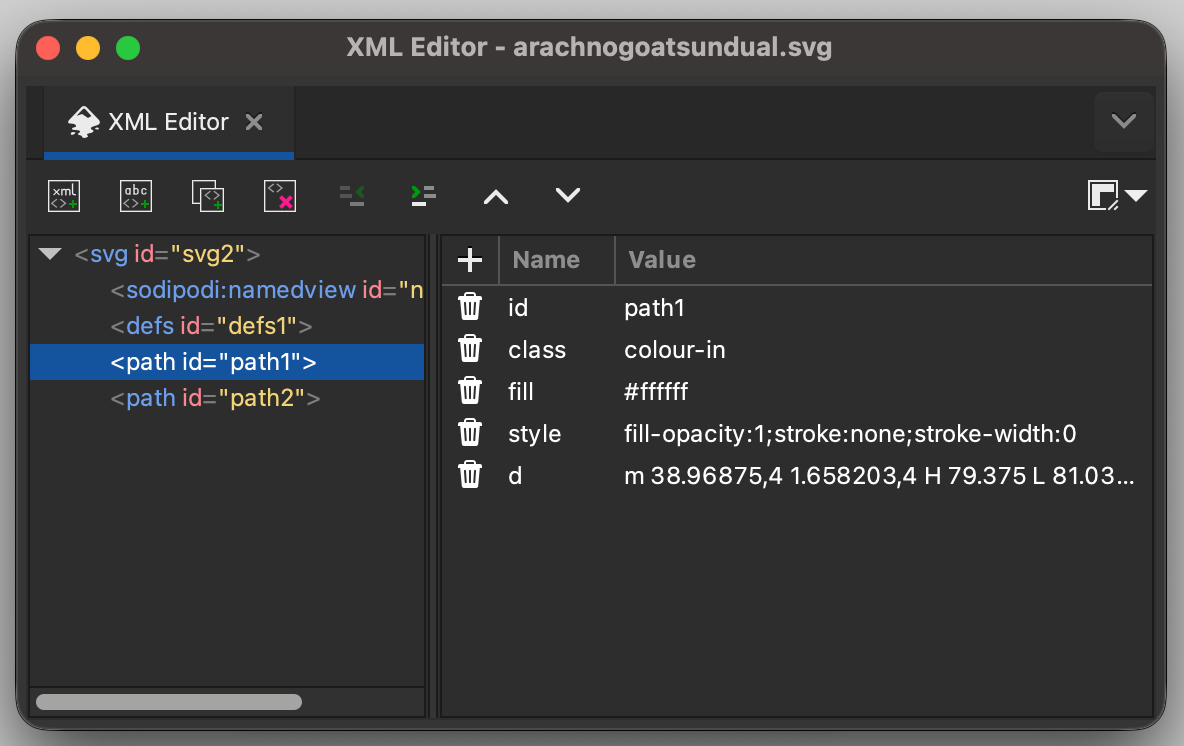
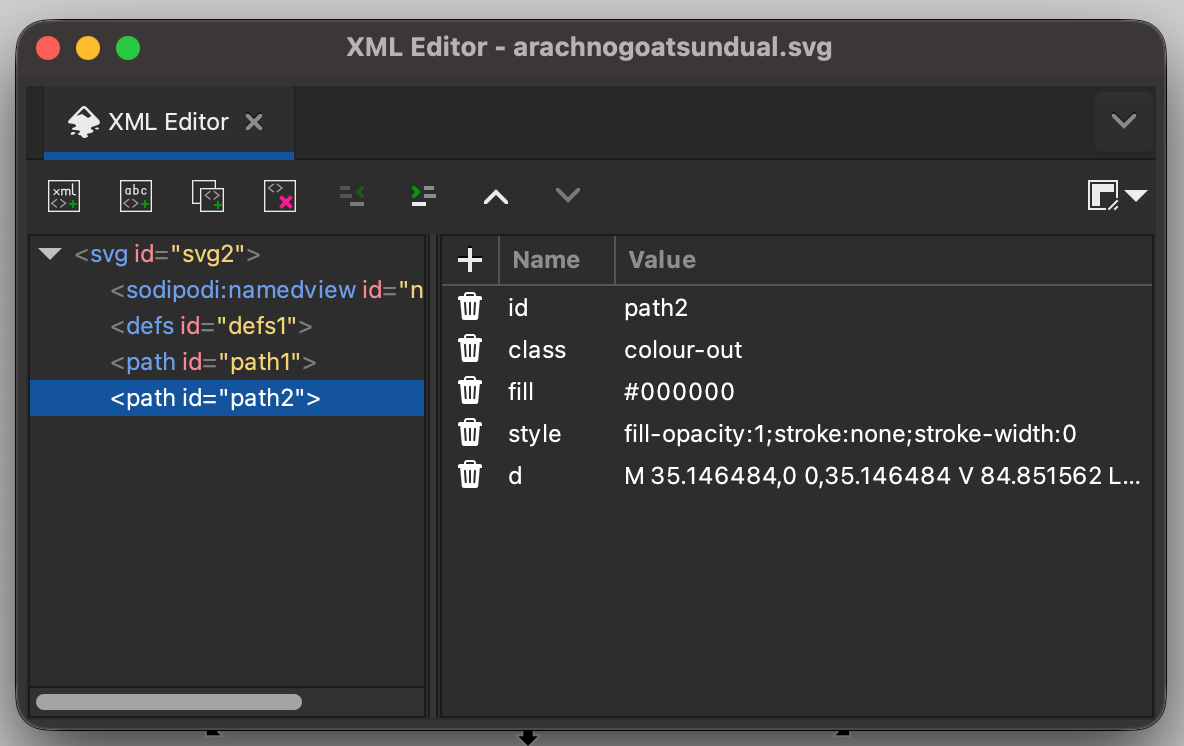
For a themed logo, assign double-quoted class="colour-out"
and class="colour-in" attributes to drawable elements or
groups. Edit the SVG directly or use Inkscape's XML Editor.
CSS fills colour-out with the article background and
colour-in with its title colour. The mapping follows the
active theme and mode. Avoid inline style declarations that override those fills.
Restore the Unicode icon with SITE_ICON_PATH= and
SITE_ICON_PATH_THEME=false.
Custom SVG ThemeExample custom SVG in Inkscape's XML editor↓
Custom SVG Theme - arachnogoatsundual.svg (1 of 3)
Custom SVG and Unicode icon buildsReplace article-slug after adding the SVGraw
# Custom SVG after adding the required classes.
make SITE_ICON_PATH=articles/article-slug/site-icon.svg \SITE_ICON_PATH_THEME=true build
# Restore the Unicode icon.
make SITE_ICON_PATH=SITE_ICON_PATH_THEME=false build
Article backdrop
SITE_BACKGROUND
Enable the fixed article-pane SVG background.
Default: public true; release false.
SITE_BACKGROUND_PATH
SVG path relative to the build tree, with the same file and class
requirements as a themed logo. Default:
articles/arachnopress/arachnogoatsundual.svg.
SITE_BACKGROUND_RANDOM
true (default): browsers supporting CSS random()
choose a scale and crop on document load. Unsupported browsers, or
false, retain the SVG's base fit.
The backdrop paints colour-in with the theme's background
artwork colour; colour-out is unpainted.
DEFAULT_BACKGROUND_OPACITY controls opacity.
Use preserveAspectRatio="xMidYMid slice" for a centred
cover crop, as in the bundled SVG.
Single-page navigation retains one backdrop; each multi-page document
can receive a new random crop. Code, download, and image surfaces stay opaque.
Highlighting and local CSS
HIGHLIGHTER
pygments (default), source-highlight, or
none. See Code blocks under GENERATED BLOCKS.
CODE_FOOTER_LINES
Non-negative source-line threshold for automatic code footers.
Default: 23; blocks at or below it omit the footer.
Create custom-styles.css in the project root for site-local styling:
build and full copy it unchanged when present;
release excludes it. It must be a readable regular file,
not a symlink.
Pages load it after standard CSS and embedded navigation rules.
Normal specificity applies; existing CSS variables follow the active theme.
Without the file, no custom stylesheet link is generated.
Feed identity
SITE_FEED
Generate feed.atom, discovery metadata, and the header's
Atom link. Default: public true; release false.
SITE_URL
Canonical site root, including any deployment subdirectory. Required
when the feed is enabled: absolute HTTP(S), with no whitespace, query,
or fragment. Trailing slashes are removed. Default: public
https://arachnogoat.com; release empty.
SITE_AUTHOR
Atom author name. Default: public musol@arachnogoat.com;
release SITE_TITLE.
ATOM FEED
Enable SITE_FEED, set the feed identity, and opt listed
articles in with data-feed-sections:
none
No entries; also used when the attribute is missing or empty.
h1
One entry with the article title, link, and available plain-text summary.
h2
One entry per section, titled "Article title - Section heading", with
its section link as content.
h3
As h2, adding a linked list of that section's h3 headings.
h2/h3 fall back to h1 when the
article has no sections. An h3 entry without child headings
contains only its section link. Section entries do not include article prose.
Entry dates follow ARTICLE FORMAT: h1 uses the effective
article modification date; section entries use their effective
h2 date, including newer child dates.
An article-level auto date participates in whole-article
entries. For section entries, it is only the fallback for an undated
h2.
Dates use midnight UTC. Article groups sort by their newest entry;
sections and linked subsections retain source order. The feed date is
the newest entry date, or the UTC build date when empty.
Links follow SITE_MODE and SITE_URL_STYLE.
IDs remain SITE_URL/#article-id or SITE_URL/#section-id,
independent of dates and output mode.
Explicit heading IDs preserve feed identity across renames and
reordering of duplicate headings. Changing SITE_URL changes IDs.
New sections create entries; edits and new h3 links retain
the parent entry ID. Switching to section mode introduces existing
sections as entries. Read/unread status is controlled by the reader.
The Atom 1.0 feed includes author, generator/version, HTML links, and
the versioned site favicon. It may contain zero entries.
SERVING
Deploy the contents of site/ without changing relative paths.
For local file:// access, open site/index.html;
multi-page navigation requires SITE_URL_STYLE=html.
Serve .atom as application/atom+xml.
Extensionless multi-page URLs require an internal rewrite from missing
extensionless paths to their .html files.
The OpenBSD httpd(8) example supplies the Atom MIME type and
rewrite. Replace its host, certificate, and document-root paths; validate
before reloading. Keep specific location rules before the final rewrite.
types {
	include "/usr/share/misc/mime.types"
	application/atom+xml atom
}

server "arachnogoat.com" {
	listen on * port 80

	location "/.well-known/acme-challenge/*" {
		root "/acme"
		request strip 2
	}

	location * {
		block return 301 "https://$HTTP_HOST$REQUEST_URI"
	}
}

server "arachnogoat.com" {
	listen on * tls port 443

	tls {
		certificate "/etc/ssl/arachnogoat.com.fullchain.pem"
		key "/etc/ssl/private/arachnogoat.com.key"
	}

	root "/htdocs/arachnogoat.com"

	# Required when arachnopress uses SITE_URL_STYLE=extensionless.
	location not found match "/[^./]+$" {
		request rewrite "$DOCUMENT_URI.html"
	}
}
Contact messages
The Contact popover submits a GET to the current page and displays a
submission confirmation. It requires HTTP(S); use HTTPS for transport
encryption. The confirmation does not verify delivery or logging.
reply: optional address, maximum 254 characters.
message: required, maximum 500 characters.
The first query item is sanitised-site-title_contact=1.
The title is lowercased; runs outside ASCII letters, digits, dots,
underscores, and hyphens become an underscore; edge underscores are
removed. A result without letters or digits becomes arachnopress.
The default markers are arachnogoat_contact=1 for public
builds and arachnopress_contact=1 for releases.
Configure access logging to retain query strings. Extract and process
marked requests from the log; the site has no separate delivery or storage service.
Messages remain in URLs, browser history, and server logs. Do not
include confidential information.
Browser URL with SITE_TITLE="Example Site":
https://host.example/?example_site_contact=1&reply=operator%40example.com&message=Short+message#contact-confirmation

HTTP request target logged by a server that retains query strings:
GET /?example_site_contact=1&reply=operator%40example.com&message=Short+message
MAINTENANCE
Generator releases
These targets package the generator; routine site updates use make build.
GENERATOR_LABEL
Generator name displayed in site and Atom metadata.
Default: arachnopress; archive names remain arachnopress.
GENERATOR_VERSION
Dot-separated digits used in metadata and archive names.
Default: 1.0.72.
make release
Builds only articles/arachnopress with
RELEASE_FILES, leaving a working release tree in
site/. Creates arachnopress_VERSION.tar at
the project root, under a matching top-level directory. Its own download
is absent inside that tree/archive.
make full
Requires the matching root release archive. Builds all articles with
RELEASE_FILES and installs the archive into the staged
generator article. Leaves that complete tree in site/.
The generator article must contain exactly one
data-release="generator" download marker.
Both targets update that complete marker line to the current archive
name and remove arachnopress_*.tar and
arachnopress_*.tar.gz from the source generator article
directory after publication. Other root archives remain.
Archives use uncompressed ustar format, without macOS metadata sidecars.
Paths or file sizes exceeding its limits stop packaging before publication.
build uses RUNTIME_FILES and all articles;
it leaves source download markers and archives unchanged.
Update GENERATOR_VERSION and run make release.
Copy the root archive into articles/arachnopress/, then
run make build to publish it with other articles.
Alternatively, make full integrates it into staged output.
Failures and cleanup
A validation, staging, or rendering failure preserves the previous
site/. Publication replaces the old output directory.
Targets exit zero on success and non-zero on invalid input or an
unhandled command/filesystem failure. Correct the diagnostic and rerun.
Missing block sources, optional highlighting, and unavailable
checksums are non-fatal: blocks show missing-source notices, escaped
code, or no checksum.
Normal exits/signals clean temporary files. After an untrappable
termination, stop all builds and inspect .site-build.*
under the project root, .render-build.* under the build root,
and .article-build.* under articles/arachnopress/
before removing leftovers. Existing workspace names are never reused;
a collision stops the build.
There is no clean target. Remove site/ to discard generated
output; remove obsolete root archives by exact filename.
Inclusion lists reject symlinks, including those within article directories.
The patch adds separate bsddd.rd and
minirootXX_dd.img targets. The ramdisk waits for one eligible
sd(4) or wd(4) disk to disappear, then overwrites
the remaining disks concurrently. Two console confirmations or an
optional timeout instead select every eligible attached disk.
/dev/zero is the default input. /dev/urandom is
selectable at build time. Console messages and interval-based bells
report status.
The patch adds files only. Stock source files, Makefiles,
bsd.rd, minirootXX.img, and
cdXX.iso targets are unchanged. Enhanced targets are
available only through Makefile.bsddd.
INTENDED USE
bsddd.rd supports batch whole-disk overwriting when preparing
decommissioned systems for disposal or reuse, particularly where
device-native sanitize or secure-erase facilities are unavailable or
impractical. It runs from RAM, allowing boot media and optional console
equipment to be moved between machines while wipes continue.
PATCH
The aggregate patch contains the complete build overlay and README.
--- /dev/null+++ b/distrib/amd64/ramdisk_cd/bsddd/Makefile.bsddd@@ -0,0 +1,233 @@+# $OpenBSD$++.include <bsd.own.mk>++# Stock ramdisk_cd outer-image size, retained as an override point.+BSDDD_FSSIZE?= 11392+BSDDD_DD_IF?= /dev/zero+BSDDD_WIPE_TIMEOUT?= 0++BSDDD_BASEDIR= ${.CURDIR}/..+BSDDD_TOP= ${.CURDIR}/../../../..+BSDDD_UTILS= ${BSDDD_BASEDIR}/../../miniroot+BSDDD_MTREE= ${BSDDD_UTILS}/mtree.conf+BSDDD_EFIBOOT= ${DESTDIR}/usr/mdec/BOOTX64.EFI \+ ${DESTDIR}/usr/mdec/BOOTIA32.EFI+BSDDD_MOUNT_ARGS_MSDOS= -o-s++BSDDD_RAMDISK= RAMDISK_CD_DD+BSDDD_KERNEL= ${.OBJDIR}/bsd+BSDDD_FS= miniroot${OSrev}_dd.img+BSDDD_BUILDOBJDIR= ${.OBJDIR}/build+BSDDD_KERNELOBJDIR= ${BSDDD_BUILDOBJDIR}/kernel/${BSDDD_RAMDISK}+BSDDD_INSTBIN= ${BSDDD_BUILDOBJDIR}/instbin+BSDDD_RDOBJDIR= ${.OBJDIR}/rdobj+BSDDD_MOUNT_POINT= ${.OBJDIR}/mnt+BSDDD_VND= ${.OBJDIR}/vnd+BSDDD_BOOT= ${.OBJDIR}/boot+BSDDD_OBJCHECK= ${.OBJDIR}/.bsddd-obj-ok+BSDDD_MAKEFILE= ${.CURDIR}/Makefile.bsddd+BSDDD_KERNELCONF= ${.CURDIR}/${BSDDD_RAMDISK}+BSDDD_BASECONF= ${BSDDD_TOP}/sys/arch/${MACHINE}/conf/RAMDISK_CD+BSDDD_KERNELCONFDEPS= ${BSDDD_BASECONF}+BSDDD_LISTS= ${BSDDD_BASEDIR}/list ${.CURDIR}/list.dd+BSDDD_SCRIPTSRC= ${.CURDIR}/bsddd+BSDDD_SCRIPT= ${BSDDD_RDOBJDIR}/bsddd+BSDDD_PROFILE= ${.CURDIR}/dot.profile+# Stock 7360-block rdroot; keep paired with RAMDISK_CD_DD MINIROOTSIZE.+BSDDD_RDROOT_SIZE?= 3680k+BSDDD_MRMAKEFSARGS?= -s ${BSDDD_RDROOT_SIZE} \+ -o rdroot,minfree=0,bsize=4096,fsize=512,density=4096++.PHONY: bsddd+bsddd: bsddd.rd ${BSDDD_FS}++${BSDDD_OBJCHECK}:+ @if [ "${.OBJDIR}" = "${.CURDIR}" ]; then \+ echo "private object directory is not active;" >&2; \+ echo "run 'make -f Makefile.bsddd obj' separately first" >&2; \+ exit 1; \+ fi+ touch $@++${BSDDD_KERNEL}: ${BSDDD_OBJCHECK} ${BSDDD_MAKEFILE} \+ ${BSDDD_KERNELCONF} ${BSDDD_KERNELCONFDEPS}+ install -d -o ${BUILDUSER} -g ${WOBJGROUP} ${BSDDD_KERNELOBJDIR}+ su ${BUILDUSER} -c \+ 'config -b ${BSDDD_KERNELOBJDIR} -s ${BSDDD_TOP}/sys \+ ${BSDDD_KERNELCONF} && cd ${BSDDD_KERNELOBJDIR} && \+ MAKEOBJDIR=${BSDDD_KERNELOBJDIR} ${MAKE} clean && \+ exec env MAKEOBJDIR=${BSDDD_KERNELOBJDIR} ${MAKE} ${MFLAGS}'+ cp -p ${BSDDD_KERNELOBJDIR}/bsd $@++bsddd.gz: bsddd.rd+ objcopy -g -x -R .comment -R .SUNW_ctf \+ -K rd_root_size -K rd_root_image \+ bsddd.rd bsddd.strip+ gzip -9cn bsddd.strip > bsddd.gz++.PHONY: bsddd-stock-deps bsddd-instbin+bsddd-stock-deps: ${BSDDD_OBJCHECK} ${BSDDD_MAKEFILE}+ @_objroot=`cd ${BSDDD_BASEDIR} && ${MAKE} -V BSDOBJDIR`; \+ if [ ! -d "$$_objroot" ]; then \+ echo "normal OpenBSD object root does not exist: $$_objroot" >&2; \+ echo "create it before building bsddd" >&2; \+ exit 1; \+ fi+ cd ${BSDDD_TOP}/lib && ${MAKE} obj+ cd ${BSDDD_TOP}/distrib/special && ${MAKE} obj+ cd ${BSDDD_BASEDIR} && ${MAKE} obj+ @_srcdir=`cd ${BSDDD_BASEDIR} && pwd`; \+ _objdir=`cd ${BSDDD_BASEDIR} && ${MAKE} -V .OBJDIR`; \+ if [ "$$_objdir" = "$$_srcdir" ] || [ ! -d "$$_objdir" ]; then \+ echo "normal ramdisk_cd object directory is not active" >&2; \+ exit 1; \+ fi+ cd ${BSDDD_TOP}/distrib/special/libstubs && ${MAKE} ${MFLAGS}++bsddd-instbin: bsddd-stock-deps+ cd ${BSDDD_BASEDIR} && ${MAKE} ${MFLAGS} instbin+ install -d ${BSDDD_BUILDOBJDIR}+ @_objdir=`cd ${BSDDD_BASEDIR} && ${MAKE} -V .OBJDIR`; \+ if [ ! -f "$$_objdir/instbin" ]; then \+ echo "stock ramdisk_cd instbin was not built" >&2; \+ exit 1; \+ fi; \+ cp -p "$$_objdir/instbin" ${BSDDD_INSTBIN}++bsddd.rd: bsddd-files bsddd-instbin ${BSDDD_KERNEL}+ install -d ${BSDDD_RDOBJDIR}+ rm -f ${BSDDD_RDOBJDIR}/instbin \+ ${BSDDD_RDOBJDIR}/mr.fs \+ ${BSDDD_RDOBJDIR}/bsd.rd+ cp -p ${BSDDD_INSTBIN} ${BSDDD_RDOBJDIR}/instbin+ rm -rf ${BSDDD_RDOBJDIR}/mr.fs.d+ install -d -o root -g wheel ${BSDDD_RDOBJDIR}/mr.fs.d+ mtree -def ${BSDDD_MTREE} -p ${BSDDD_RDOBJDIR}/mr.fs.d -u+ CURDIR=${BSDDD_BASEDIR} OBJDIR=${BSDDD_RDOBJDIR} OSrev=${OSrev} \+ TARGDIR=${BSDDD_RDOBJDIR}/mr.fs.d UTILS=${BSDDD_UTILS} \+ RELEASEDIR=${RELEASEDIR} sh ${BSDDD_UTILS}/runlist.sh \+ ${BSDDD_LISTS}+ rm ${BSDDD_RDOBJDIR}/mr.fs.d/instbin+ makefs ${BSDDD_MRMAKEFSARGS} ${BSDDD_RDOBJDIR}/mr.fs \+ ${BSDDD_RDOBJDIR}/mr.fs.d+ cp -p ${BSDDD_KERNEL} ${BSDDD_RDOBJDIR}/bsd.rd+ rdsetroot ${BSDDD_RDOBJDIR}/bsd.rd ${BSDDD_RDOBJDIR}/mr.fs+ cp ${BSDDD_RDOBJDIR}/bsd.rd $@++${BSDDD_FS}: bsddd.gz+ -umount -f ${BSDDD_MOUNT_POINT} >/dev/null 2>&1+ @if [ -e ${BSDDD_VND} ] && [ ! -s ${BSDDD_VND} ]; then \+ rm -f ${BSDDD_VND}; \+ fi+ @if [ -e ${BSDDD_VND} ]; then \+ echo "stale private vnd state; run" \+ "'make -f Makefile.bsddd unconfig-bsddd' first" >&2; \+ exit 1; \+ fi+ install -d ${BSDDD_MOUNT_POINT}+ dd if=/dev/zero of=${BSDDD_FS} bs=512 count=${BSDDD_FSSIZE}+ vnconfig -v ${.OBJDIR}/${BSDDD_FS} > ${BSDDD_VND}+ fdisk -yi -l ${BSDDD_FSSIZE} -b 960 -f ${DESTDIR}/usr/mdec/mbr \+ `cat ${BSDDD_VND}`+ echo '/ *' | disklabel -wAT- `cat ${BSDDD_VND}`+ newfs -t msdos /dev/r`cat ${BSDDD_VND}`i+ mount ${BSDDD_MOUNT_ARGS_MSDOS} /dev/`cat ${BSDDD_VND}`i \+ ${BSDDD_MOUNT_POINT}+ mkdir -p ${BSDDD_MOUNT_POINT}/efi/boot+ cp ${BSDDD_EFIBOOT} ${BSDDD_MOUNT_POINT}/efi/boot+ umount ${BSDDD_MOUNT_POINT}+ newfs -O 1 -m 0 -o space -i 524288 -c ${BSDDD_FSSIZE} \+ /dev/r`cat ${BSDDD_VND}`a+ mount /dev/`cat ${BSDDD_VND}`a ${BSDDD_MOUNT_POINT}+ objcopy -S -R .comment ${DESTDIR}/usr/mdec/boot ${BSDDD_BOOT}+ installboot -v -r ${BSDDD_MOUNT_POINT} `cat ${BSDDD_VND}` \+ ${DESTDIR}/usr/mdec/biosboot ${BSDDD_BOOT}+ install -c -m 555 -o root -g wheel bsddd.gz \+ ${BSDDD_MOUNT_POINT}/bsd+ df -i ${BSDDD_MOUNT_POINT}+ umount ${BSDDD_MOUNT_POINT}+ vnconfig -u `cat ${BSDDD_VND}`+ rm -f ${BSDDD_VND}++.PHONY: bsddd-check bsddd-files+bsddd-check:+ @case "${BSDDD_DD_IF}" in \+ /dev/zero|/dev/urandom) ;; \+ *) echo "BSDDD_DD_IF must be /dev/zero or /dev/urandom" >&2; exit 1;; \+ esac+ @case "${BSDDD_WIPE_TIMEOUT}" in \+ ''|*[!0-9]*|0[0-9]*) \+ echo "BSDDD_WIPE_TIMEOUT must be 0 or a positive decimal integer" >&2; \+ exit 1;; \+ esac+ @if ! [ "${BSDDD_WIPE_TIMEOUT}" -le 2147483647 ]; then \+ echo "BSDDD_WIPE_TIMEOUT exceeds 2147483647" >&2; \+ exit 1; \+ fi+ test -s ${BSDDD_SCRIPTSRC}+ test -s ${BSDDD_PROFILE}+ test -s ${.CURDIR}/list.dd++bsddd-files: ${BSDDD_OBJCHECK} bsddd-check ${BSDDD_SCRIPTSRC} \+ ${BSDDD_PROFILE} ${.CURDIR}/list.dd+ install -d ${BSDDD_RDOBJDIR}+ rm -f ${BSDDD_SCRIPT}.tmp+ sed -e 's|^DD_IF=.*|DD_IF=${BSDDD_DD_IF}|' \+ -e 's|^WIPE_TIMEOUT=.*|WIPE_TIMEOUT=${BSDDD_WIPE_TIMEOUT}|' \+ ${BSDDD_SCRIPTSRC} > \+ ${BSDDD_SCRIPT}.tmp+ grep -Fqx 'DD_IF=${BSDDD_DD_IF}' ${BSDDD_SCRIPT}.tmp+ grep -Fqx 'WIPE_TIMEOUT=${BSDDD_WIPE_TIMEOUT}' ${BSDDD_SCRIPT}.tmp+ mv ${BSDDD_SCRIPT}.tmp ${BSDDD_SCRIPT}++.PHONY: unconfig-bsddd+unconfig-bsddd:+ -umount -f ${BSDDD_MOUNT_POINT} >/dev/null 2>&1+ @if [ -e ${BSDDD_VND} ] && [ ! -s ${BSDDD_VND} ]; then \+ rm -f ${BSDDD_VND}; \+ elif [ -f ${BSDDD_VND} ]; then \+ _vnd=`cat ${BSDDD_VND}`; \+ _unit=$${_vnd#vnd}; \+ if [ "vnd$$_unit" != "$$_vnd" ] || [ -z "$$_unit" ]; then \+ echo "invalid private vnd state: $$_vnd" >&2; exit 1; \+ fi; \+ case "$$_unit" in \+ *[!0-9]*) echo "invalid private vnd state: $$_vnd" >&2; exit 1;; \+ esac; \+ _info=`vnconfig -l "$$_vnd"` || exit 1; \+ case "$$_info" in \+ "$$_vnd: not in use") rm -f ${BSDDD_VND} ;; \+ "$$_vnd: covering ${.OBJDIR}/${BSDDD_FS} on "*) \+ vnconfig -u "$$_vnd" && rm -f ${BSDDD_VND} ;; \+ *) echo "refusing to detach vnd not owned by bsddd: $$_info" >&2; \+ exit 1 ;; \+ esac; \+ fi++.ifdef RELEASEDIR+.PHONY: install-bsddd+install-bsddd: bsddd.gz ${BSDDD_FS}+ cp bsddd.gz ${RELEASEDIR}/bsddd.rd+ cp ${BSDDD_FS} ${RELEASEDIR}+ chmod a+r ${RELEASEDIR}/bsddd.rd ${RELEASEDIR}/${BSDDD_FS}+.endif++.PHONY: clean-bsddd clean cleandir+clean-bsddd: unconfig-bsddd+ rm -f bsddd.rd bsddd.gz bsddd.strip ${BSDDD_FS} \+ ${BSDDD_KERNEL} ${BSDDD_BOOT} ${BSDDD_OBJCHECK}+ rm -rf ${BSDDD_BUILDOBJDIR} ${BSDDD_RDOBJDIR}+ -rmdir ${BSDDD_MOUNT_POINT}++clean cleandir: clean-bsddd++.PHONY: prepare-unpatch-bsddd+prepare-unpatch-bsddd: clean-bsddd+ @if [ -L ${.CURDIR}/obj ]; then \+ _obj=`readlink ${.CURDIR}/obj`; \+ echo "empty private object directory may be removed: $$_obj"; \+ rm -f ${.CURDIR}/obj; \+ fi++.include <bsd.obj.mk>--- /dev/null+++ b/distrib/amd64/ramdisk_cd/bsddd/RAMDISK_CD_DD@@ -0,0 +1,12 @@+# $OpenBSD$++include "arch/amd64/conf/RAMDISK_CD"++# Retain an explicit, stock-sized rdroot override for later adjustment.+option BSDDD_RDROOT+rmoption MINIROOTSIZE+option MINIROOTSIZE=7360+rmoption BSDDD_RDROOT++pcppi0 at isa?+spkr0 at pcppi?--- /dev/null+++ b/distrib/amd64/ramdisk_cd/bsddd/README.bsddd@@ -0,0 +1,238 @@+BSDDD.RD bsddd.rd build notes BSDDD.RD++NAME+ bsddd.rd - OpenBSD/amd64 parallel disk-overwrite ramdisk++DESCRIPTION+ The patch adds separate bsddd.rd and minirootXX_dd.img targets. The+ ramdisk waits for one eligible sd(4) or wd(4) disk to disappear, then+ overwrites the remaining disks concurrently. Two console confirmations+ or an optional timeout instead select every eligible attached disk.++ /dev/zero is the default input. /dev/urandom is selectable at build+ time. Console messages and interval-based bells report status.++ The patch adds files only. Stock source files, Makefiles, bsd.rd,+ minirootXX.img, and cdXX.iso targets are unchanged. The enhanced targets+ are available only through Makefile.bsddd.++INTENDED USE+ bsddd.rd supports batch whole-disk overwriting when preparing+ decommissioned systems for disposal or reuse, particularly where+ device-native sanitize or secure-erase facilities are unavailable or+ impractical. It runs from RAM, allowing boot media and optional console+ equipment to be moved between machines while wipes continue.++SYNOPSIS+ Build on the matching OpenBSD/amd64 release after completing the normal+ source and release prerequisites. BSDOBJDIR and the amd64 boot files+ below ${DESTDIR}/usr/mdec must exist. The documented commands require+ root privileges.++ Apply the patch below /usr/src, create the private object link, then build:++ cd /usr/src+ patch -p1 < /root/bsddd.rd.patch+ cd distrib/amd64/ramdisk_cd/bsddd+ make -f Makefile.bsddd obj+ make -f Makefile.bsddd++ Select pseudorandom input instead:++ make -f Makefile.bsddd BSDDD_DD_IF=/dev/urandom++ Enable a 300-second all-disk timeout:++ make -f Makefile.bsddd BSDDD_WIPE_TIMEOUT=300++ Install release artifacts when RELEASEDIR is set:++ make -f Makefile.bsddd install-bsddd \+ RELEASEDIR=/path/to/release++TARGETS+ bsddd+ Builds bsddd.rd and minirootXX_dd.img.++ install-bsddd+ Defined when RELEASEDIR is set. Installs compressed bsddd.rd and+ minirootXX_dd.img.++ unconfig-bsddd+ Recovers private mount and vnd(4) state after an interrupted+ media build. An unowned vnd(4) is not detached.++ clean-bsddd, clean, cleandir+ Remove private outputs. Stock instbin objects remain under+ normal OpenBSD clean ownership.++ prepare-unpatch-bsddd+ Cleans private outputs, prints the private object path, and+ removes the source obj symlink.++BUILD MODEL+ make obj creates a private object link below BSDOBJDIR. The custom+ kernel, rdroot, instbin copy, and media objects remain below that path.++ The wrapper builds stock ramdisk_cd instbin objects in their normal object+ directories, then copies instbin into private state. Stock source,+ configuration, installed use, and cleanup ownership are unchanged. Do+ not run bsddd concurrently with a build or clean using those objects.++ The private rdroot replaces .profile, installs /bsddd, and creates+ /dev/speaker. It adds no userland binaries. The private kernel retains+ the stock rdroot size and adds pcppi(4) and speaker(4).++ No parent Makefile or SUBDIR list is changed. Normal builds and cleans do+ not enter the bsddd source directory or its private objects.++DISK SELECTION+ /bsddd reads hw.disknames with sysctl(8) and selects names matching+ sd[0-9]* and wd[0-9]*. This includes softraid(4) volumes, their backing+ disks, and disks presented through common amd64 storage controllers.++ Wiping begins when the current set equals the initial set minus exactly+ one name. Other changes leave the ramdisk waiting. The accepted set is+ frozen; later arrivals are excluded. The interlock cannot identify the+ boot medium. Two explicit y responses or timeout expiry select every+ eligible attached disk. The timer continues during both prompts.++ Other device classes are excluded. After the interlock, /bsddd detaches+ auto-assembled softraid(4) volumes and removes their names from the set.+ Their backing disks remain selected. Inspection or detach failure stops+ before writes.++ MAKEDEV(8) creates device nodes. disklabel(8) supplies sector size and+ total sectors. dd(1) writes each whole-disk raw character device in 1 MiB+ transfers followed by an exact sector-sized tail. Disks run concurrently.+ One device failure does not stop other jobs. A status failure waits for+ active jobs. sync(8) precedes the final result.++FEEDBACK+ Console-bell counts and intervals identify each state:++ three short bells waiting without a timeout+ four rapid bells waiting with an all-disk timeout+ two separated bells disk writes started+ one bell wipe progress+ five short bells all selected disks completed+ three separated bells setup, status, or disk-write failure++ Ready patterns repeat every 10 seconds. Completion and failure patterns+ repeat every 30 seconds. Progress is reported every 60 seconds. A+ console bell is used if speaker output fails. The result loop continues+ until power-off or reset.++USE+ Write minirootXX_dd.img to removable media. This replaces the selected+ device's partition table and filesystems. Verify the output device. For+ example, as root on OpenBSD:++ dd if=./miniroot79_dd.img of=/dev/rsdXc bs=1m+ sync++ Boot the target. At the ready pattern, remove the boot medium. Removal+ of any eligible disk satisfies the name-based interlock. Two separated+ bells mark write startup. Wait for the repeating completion pattern+ before power-off. Stock amd64 BIOS and UEFI boot programs are used.+ Secure Boot is unsupported.++ A boot loader or matching OpenBSD/amd64 pxeboot(8) may load the compressed+ bsddd.rd directly. Without removable media, use the console confirmations.++REBUILD AND CLEAN+ Rebuild private outputs:++ cd /usr/src/distrib/amd64/ramdisk_cd/bsddd+ make -f Makefile.bsddd clean+ make -f Makefile.bsddd++ Recover an interrupted media build first:++ make -f Makefile.bsddd unconfig-bsddd++ Before reversing the patch:++ make -f Makefile.bsddd prepare-unpatch-bsddd+ cd /usr/src+ patch -R -p1 < /root/bsddd.rd.patch+ rmdir distrib/amd64/ramdisk_cd/bsddd++VARIABLES+ BSDDD_DD_IF+ Build-time dd(1) input device. /dev/zero is the default.+ /dev/urandom supplies non-blocking pseudorandom data but may limit+ throughput. No other value is accepted.++ BSDDD_WIPE_TIMEOUT+ Build-time automatic all-disk deadline in seconds. The default,+ 0, disables it. Values from 1 through 2147483647 enable it.+ Expiry selects every eligible attached disk, including boot media.++ BSDDD_FSSIZE+ Outer miniroot size in 512-byte blocks. Default: 11392, matching+ stock ramdisk_cd.++ BSDDD_RDROOT_SIZE+ Private rdroot size. Default: 3680k, matching 7360 512-byte+ blocks. An override must match MINIROOTSIZE in RAMDISK_CD_DD.++ BSDDD_MRMAKEFSARGS+ makefs(8) arguments for the private rdroot. The default uses+ BSDDD_RDROOT_SIZE and stock filesystem parameters.++ BSDOBJDIR+ Normal OpenBSD object root and base for the private obj symlink.+ Default: /usr/obj.++ DESTDIR+ Optional prefix for installed amd64 boot files under usr/mdec.+ Default: empty.++ RELEASEDIR+ Enables install-bsddd and names its destination directory.++FILES+ distrib/amd64/ramdisk_cd/bsddd/Makefile.bsddd+ Private build wrapper.++ distrib/amd64/ramdisk_cd/bsddd/RAMDISK_CD_DD+ Private amd64 kernel configuration.++ distrib/amd64/ramdisk_cd/bsddd/list.dd+ Ramdisk overlay list.++ distrib/amd64/ramdisk_cd/bsddd/dot.profile+ Single-user profile that replaces itself with /bsddd.++ distrib/amd64/ramdisk_cd/bsddd/bsddd+ Disk enumeration, parallel overwrite, and status script.++ obj/bsddd.rd+ Uncompressed ramdisk kernel.++ obj/bsddd.gz+ Stripped and compressed kernel installed as bsddd.rd.++ obj/minirootXX_dd.img+ Bootable BIOS/UEFI whole-device image.++CAVEATS+ This operation is irreversible. Console confirmation and timeout expiry+ select every eligible attached disk, including boot media.++ A single logical overwrite pass is not a hardware secure erase. Remapped+ sectors, flash translation layers, controller caches, hidden regions, and+ inaccessible or unsupported devices may retain data. Use device-native+ sanitize, secure-erase, or cryptographic-erasure procedures when the+ required disposal policy covers those areas.++ Audible feedback requires a working PC speaker or console bell. Verify+ feedback and storage-controller support before unattended use.++SEE ALSO+ bioctl(8), dd(1), disklabel(8), make(1), MAKEDEV(8), makefs(8), pcppi(4),+ pxeboot(8), random(4), rdsetroot(8), speaker(4), sync(8), sysctl(8),+ vnconfig(8)++BSDDD.RD August 18, 2026 BSDDD.RD--- /dev/null+++ b/distrib/amd64/ramdisk_cd/bsddd/bsddd@@ -0,0 +1,365 @@+#!/bin/ksh++set +o sh+export PATH=/sbin:/bin:/usr/bin:/usr/sbin:/++POLL_INTERVAL=2+READY_INTERVAL=10+PROGRESS_INTERVAL=60+RESULT_INTERVAL=30+DD_IF=/dev/zero+WIPE_TIMEOUT=0++trap '' HUP INT QUIT TSTP++beep() {+ if [[ -c /dev/speaker ]] &&+ print -nr -- 'T240 O4 L8 C' >/dev/speaker 2>/dev/null; then+ return+ fi+ print -n '\a'+}++beep_pattern() {+ typeset _count=$1 _interval=$2++ while ((_count > 0)); do+ beep+ _count=$((_count - 1))+ ((_count > 0)) && sleep "$_interval"+ done+}++result_loop() {+ typeset _message=$1 _count=$2 _interval=$3++ while :; do+ echo+ echo "$_message"+ beep_pattern "$_count" "$_interval"+ sleep $RESULT_INTERVAL+ done+}++get_disks() {+ typeset _entry _disk _disks='' _oldifs=$IFS++ IFS=,+ for _entry in $(sysctl -n hw.disknames); do+ _disk=${_entry%%:*}+ case $_disk in+ sd+([0-9])|wd+([0-9]))+ _disks="${_disks}${_disks:+ }$_disk"+ ;;+ esac+ done+ IFS=$_oldifs+ print -r -- "$_disks"+}++compare_disks() {+ typeset _disk++ _removed=''+ _removed_count=0+ _added_count=0+ for _disk in $_initial_disks; do+ case " $_current_disks " in+ *" $_disk "*) ;;+ *)+ _removed="${_removed}${_removed:+ }$_disk"+ _removed_count=$((_removed_count + 1))+ ;;+ esac+ done+ for _disk in $_current_disks; do+ case " $_initial_disks " in+ *" $_disk "*) ;;+ *)+ _added_count=$((_added_count + 1))+ ;;+ esac+ done+}++start_reader() {+ rm -f /tmp/bsddd.answer+ (+ typeset _answer+ IFS= read -r _answer </dev/console || _answer=+ if [[ $_answer == [yY] ]]; then+ print -n 'Wipe every attached sd/wd disk, including boot media? [y/N] ' \+ >/dev/console+ IFS= read -r _answer </dev/console || _answer=+ fi+ print -r -- "$_answer" > /tmp/bsddd.answer+ ) &+ _reader=$!+}++stop_reader() {+ kill "$_reader" 2>/dev/null || :+ wait "$_reader" 2>/dev/null || :+ rm -f /tmp/bsddd.answer+}++wipe_disk() {+ typeset _disk=$1 _geometry _sector_size _sectors+ typeset _sectors_per_mib _full _tail _raw++ (cd /dev && sh MAKEDEV "$_disk") || return 1+ _raw=/dev/r${_disk}c+ [[ -c $_raw ]] || return 1++ _geometry=$(disklabel -d "$_disk" 2>/dev/null) || return 1+ _sector_size=$(print -r -- "$_geometry" |+ sed -n 's/^bytes\/sector:[[:space:]]*//p')+ _sectors=$(print -r -- "$_geometry" |+ sed -n 's/^total sectors:[[:space:]]*\([0-9][0-9]*\).*/\1/p')++ case $_sector_size in+ ''|*[!0-9]*) return 1 ;;+ esac+ case $_sectors in+ ''|*[!0-9]*) return 1 ;;+ esac+ ((_sector_size > 0 && _sectors > 0)) || return 1++ echo "$_disk: overwriting $_sectors sectors at $_sector_size bytes"++ if ((1048576 % _sector_size != 0)); then+ dd if="$DD_IF" of="$_raw" bs="$_sector_size" count="$_sectors" \+ status=none || return 1+ else+ _sectors_per_mib=$((1048576 / _sector_size))+ _full=$((_sectors / _sectors_per_mib))+ _tail=$((_sectors % _sectors_per_mib))++ if ((_full > 0)); then+ dd if="$DD_IF" of="$_raw" bs=1m count="$_full" \+ status=none || return 1+ fi+ if ((_tail > 0)); then+ dd if="$DD_IF" of="$_raw" bs="$_sector_size" \+ seek="$((_full * _sectors_per_mib))" count="$_tail" \+ status=none || return 1+ fi+ fi++ echo "$_disk: complete"+}++_initial_disks=$(get_disks)+if [[ -z $_initial_disks ]]; then+ result_loop 'ERROR: no eligible sd(4) or wd(4) disks were found.' 3 1+fi++echo+echo "bsddd.rd is resident in memory."+echo "Detected disks: $_initial_disks"+echo "Remove exactly one disk to begin automatically."+_timeout_deadline=0+if ((WIPE_TIMEOUT > 0)); then+ echo "Automatic all-disk wipe in $WIPE_TIMEOUT seconds."+ _timeout_deadline=$((SECONDS + WIPE_TIMEOUT))+fi+echo "Proceed without detected device removal? [y/N]"++start_reader+_ready_elapsed=$READY_INTERVAL+_last_disks=$_initial_disks+_override=no++while :; do+ _current_disks=$(get_disks)+ compare_disks+ if ((_removed_count == 1 && _added_count == 0)); then+ stop_reader+ _disks=$_current_disks+ echo+ echo "Removed disk: $_removed"+ break+ fi++ if [[ $_current_disks != "$_last_disks" ]]; then+ echo "Waiting; current disks: ${_current_disks:-none}"+ _last_disks=$_current_disks+ fi++ if [[ -s /tmp/bsddd.answer ]]; then+ _answer=$(</tmp/bsddd.answer)+ wait "$_reader" 2>/dev/null || :+ rm -f /tmp/bsddd.answer+ if [[ $_answer == [yY] ]]; then+ _override=console+ _disks=$(get_disks)+ break+ fi+ echo "Proceed without detected device removal? [y/N]"+ start_reader+ elif ! kill -0 "$_reader" 2>/dev/null; then+ wait "$_reader" 2>/dev/null || :+ start_reader+ fi++ if ((_timeout_deadline > 0 && SECONDS >= _timeout_deadline)); then+ stop_reader+ _override=timeout+ _disks=$(get_disks)+ break+ fi++ if ((_ready_elapsed >= READY_INTERVAL)); then+ if ((_timeout_deadline > 0)); then+ beep_pattern 4 0.15+ else+ beep_pattern 3 0.25+ fi+ _ready_elapsed=0+ fi+ _sleep=$POLL_INTERVAL+ if ((_timeout_deadline > 0)); then+ _remaining=$((_timeout_deadline - SECONDS))+ ((_remaining < _sleep)) && _sleep=$_remaining+ ((_sleep > 0)) || continue+ fi+ sleep "$_sleep"+ _ready_elapsed=$((_ready_elapsed + _sleep))+done++if ! _softraid_output=$(bioctl softraid0 2>/dev/null); then+ result_loop 'ERROR: cannot inspect softraid volumes.' 3 1+fi+_softraid_volumes=$(print -r -- "$_softraid_output" |+ sed -n 's/^softraid0.*\(sd[0-9][0-9]*\).*/\1/p')+for _volume in $_softraid_volumes; do+ echo "$_volume: detaching softraid volume"+ if ! bioctl -d "$_volume" >/dev/null 2>&1; then+ result_loop "ERROR: cannot detach softraid volume: $_volume" 3 1+ fi+done++_wipe_disks=+for _disk in $_disks; do+ case " $_softraid_volumes " in+ *" $_disk "*) ;;+ *) _wipe_disks="${_wipe_disks}${_wipe_disks:+ }$_disk" ;;+ esac+done+_disks=$_wipe_disks+if [[ -z $_disks ]]; then+ result_loop 'ERROR: no eligible sd(4) or wd(4) disks remain.' 3 1+fi++_status_dir=/tmp/bsddd.status+if ! rm -rf "$_status_dir" || ! mkdir "$_status_dir"; then+ result_loop 'ERROR: cannot initialize wipe status storage.' 3 1+fi+for _disk in $_disks; do+ _status_file=$_status_dir/$_disk+ _status_ok=${_status_file}.ok+ _status_failed=${_status_file}.failed+ if ! print -r -- running > "$_status_file" ||+ ! print -r -- ok > "$_status_ok" ||+ ! print -r -- failed > "$_status_failed" ||+ [[ $(<"$_status_file") != running ]] ||+ [[ $(<"$_status_ok") != ok ]] ||+ [[ $(<"$_status_failed") != failed ]]; then+ result_loop 'ERROR: cannot initialize wipe status storage.' 3 1+ fi+done++echo+if [[ $_override == console ]]; then+ echo "Console override confirmed."+elif [[ $_override == timeout ]]; then+ echo "Wipe timeout expired; all attached sd/wd disks selected."+fi+echo "Wiping disks in parallel: $_disks"+echo "Wipe input: $DD_IF"+echo "DO NOT POWER OFF."+beep_pattern 2 1++_jobs=+_total=0+for _disk in $_disks; do+ (+ _status_file=$_status_dir/$_disk+ if wipe_disk "$_disk"; then+ mv "${_status_file}.ok" "$_status_file" || exit 2+ exit 0+ else+ mv "${_status_file}.failed" "$_status_file" || exit 2+ exit 1+ fi+ ) &+ _jobs="${_jobs}${_jobs:+ }$!:$_disk"+ _total=$((_total + 1))+done++_elapsed=0+_status_error=no+while :; do+ _done=0+ for _job in $_jobs; do+ _pid=${_job%%:*}+ _disk=${_job#*:}+ _status_file=$_status_dir/$_disk+ if [[ ! -r $_status_file ]]; then+ _status_error=yes+ break+ fi+ _status=$(<"$_status_file")+ case $_status in+ ok|failed)+ _done=$((_done + 1))+ ;;+ running)+ if ! kill -0 "$_pid" 2>/dev/null; then+ _status_error=yes+ break+ fi+ ;;+ *)+ _status_error=yes+ break+ ;;+ esac+ done+ [[ $_status_error == yes ]] && break+ ((_done == _total)) && break++ sleep $POLL_INTERVAL+ _elapsed=$((_elapsed + POLL_INTERVAL))+ if ((_elapsed >= PROGRESS_INTERVAL)); then+ echo "Wipe in progress: $_done/$_total disks complete."+ beep_pattern 1 0+ _elapsed=0+ fi+done++if [[ $_status_error == yes ]]; then+ echo "ERROR: wipe status unavailable; waiting for disk jobs."+fi+for _job in $_jobs; do+ _pid=${_job%%:*}+ wait "$_pid" 2>/dev/null || :+done+sync++if [[ $_status_error == yes ]]; then+ result_loop 'ERROR: wipe status unavailable.' 3 1+fi++_failed=+for _disk in $_disks; do+ _status_file=$_status_dir/$_disk+ [[ $(<"$_status_file") == ok ]] ||+ _failed="${_failed}${_failed:+ }$_disk"+done++if [[ -n $_failed ]]; then+ result_loop "ERROR: wipe failed: $_failed" 3 1+fi++result_loop 'WIPE COMPLETE: all selected disks were overwritten.' 5 0.25--- /dev/null+++ b/distrib/amd64/ramdisk_cd/bsddd/dot.profile@@ -0,0 +1,16 @@+set +o sh+export PATH=/sbin:/bin:/usr/bin:/usr/sbin:/++if ! mount -u /dev/rd0a /; then+ echo "Cannot remount rd0a read-write."+ while :; do+ sleep 3600+ done+fi++exec /bsddd++echo "Cannot start /bsddd."+while :; do+ sleep 3600+done--- /dev/null+++ b/distrib/amd64/ramdisk_cd/bsddd/list.dd@@ -0,0 +1,7 @@+# $OpenBSD$++# bsddd.rd overlay.+SCRIPT ${CURDIR}/bsddd/dot.profile .profile+SCRIPT ${OBJDIR}/bsddd bsddd+SPECIAL chmod 555 bsddd+SPECIAL cd dev; sh MAKEDEV speaker
SYNOPSIS
Build on the matching OpenBSD/amd64 release after completing the normal
source and release prerequisites. BSDOBJDIR and the amd64
boot files below ${DESTDIR}/usr/mdec must exist. The
documented commands require root privileges.
Apply the patch below /usr/src, create the private object link, then build.
Installs compressed bsddd.rd and the miniroot when RELEASEDIR is set.
unconfig-bsddd
Recovers private mount and vnd(4) state after an interrupted media build. An unowned vnd(4) is not detached.
clean-bsddd, clean, cleandir
Remove private outputs without taking ownership of stock instbin objects.
prepare-unpatch-bsddd
Cleans private outputs, prints the private object path, and removes the source obj symlink.
BUILD MODEL
make obj creates a private object link below
BSDOBJDIR. The custom kernel, rdroot, instbin copy, and media
objects remain below that path.
The wrapper builds stock ramdisk_cd instbin objects in their normal
object directories, then copies instbin into private state. Stock source,
configuration, installed use, and cleanup ownership are unchanged. Do
not run bsddd concurrently with a build or clean using those
objects.
The private rdroot replaces .profile, installs
/bsddd, and creates /dev/speaker. It adds no
userland binaries. The private kernel retains the stock rdroot size and
adds pcppi(4) and speaker(4).
No parent Makefile or SUBDIR list is changed. Normal builds
and cleans do not enter the bsddd source directory or its
private objects.
#	$OpenBSD$

include "arch/amd64/conf/RAMDISK_CD"

# Retain an explicit, stock-sized rdroot override for later adjustment.
option		BSDDD_RDROOT
rmoption	MINIROOTSIZE
option		MINIROOTSIZE=7360
rmoption	BSDDD_RDROOT

pcppi0	at isa?
spkr0	at pcppi?
set +o sh
exportPATH=/sbin:/bin:/usr/bin:/usr/sbin:/
if ! mount -u /dev/rd0a /;thenecho"Cannot remount rd0a read-write."while :;do
sleep 3600donefiexec /bsddd
echo"Cannot start /bsddd."while :;do
sleep 3600done
DISK SELECTION
/bsddd reads hw.disknames with
sysctl(8). It selects names matching sd[0-9]*
and wd[0-9]*. This includes softraid(4) volumes,
their backing disks, and disks presented through common amd64 storage
controllers.
Wiping begins when the current set equals the initial set minus exactly
one name. Other changes leave the ramdisk waiting. The accepted set is
frozen; later arrivals are excluded. The interlock cannot identify the
boot medium. Two explicit y responses or timeout expiry
select every eligible attached disk. The timer continues during both
prompts.
Other device classes are excluded. After the interlock,
/bsddd detaches auto-assembled softraid(4)
volumes and removes their names from the set. Their backing disks remain
selected. Inspection or detach failure stops before writes.
MAKEDEV(8) creates device nodes. disklabel(8)
supplies sector size and total sectors. dd(1) writes each
whole-disk raw character device in 1 MiB transfers followed by an exact
sector-sized tail. Disks run concurrently. One device failure does not
stop other jobs. A status failure waits for active jobs.
sync(8) precedes the final result.
Ready patterns repeat every 10 seconds. Completion and failure patterns
repeat every 30 seconds. Progress is reported every 60 seconds. A
console bell is used if speaker output fails. The result loop continues
until power-off or reset.
USE
As root, write the miniroot to removable media. This replaces the
selected device's partition table and filesystems. Verify the output
device.
set -e

dd if=./miniroot79_dd.img of=/dev/rsdXc bs=1m
sync
Boot the target. At the ready pattern, remove the boot medium. Removal of
any eligible disk satisfies the name-based interlock. Two separated bells
mark write startup. Wait for the repeating completion pattern before
power-off. Stock amd64 BIOS and UEFI boot programs are used. Secure Boot
is unsupported.
A boot loader or matching OpenBSD/amd64 pxeboot(8) may load
the compressed bsddd.rd directly. Without removable media,
use the console confirmations.
set -e

cd /usr/src/distrib/amd64/ramdisk_cd/bsddd
make -f Makefile.bsddd prepare-unpatch-bsddd
cd /usr/src
patch -R -p1 < /root/bsddd.rd.patch
rmdir distrib/amd64/ramdisk_cd/bsddd
VARIABLES
BSDDD_DD_IF
Build-time dd(1) input device. Default: /dev/zero. /dev/urandom supplies non-blocking pseudorandom data but may limit throughput. No other value is accepted.
BSDDD_WIPE_TIMEOUT
Build-time automatic all-disk deadline in seconds. Default: 0 (disabled). Values from 1 through 2147483647 enable it. Expiry selects every eligible attached disk, including boot media.
BSDDD_FSSIZE
Outer media size in 512-byte blocks. Default: 11392, matching stock ramdisk_cd.
BSDDD_RDROOT_SIZE
Private rdroot size. Default: 3680k, matching 7360 512-byte blocks. Overrides must match MINIROOTSIZE.
BSDDD_MRMAKEFSARGS
makefs(8) arguments for the private rdroot. The default uses BSDDD_RDROOT_SIZE and stock filesystem parameters.
BSDOBJDIR
Normal object root and base for the private object link. Default: /usr/obj.
DESTDIR
Optional prefix for amd64 boot files under usr/mdec. Default: empty.
RELEASEDIR
Enables install-bsddd and names its destination.
FILES
obj/bsddd.rd
Uncompressed ramdisk kernel.
obj/bsddd.gz
Compressed kernel installed as bsddd.rd.
obj/minirootXX_dd.img
Bootable BIOS/UEFI whole-device image.
CAVEATS
This operation is irreversible. Console confirmation and timeout expiry
select every eligible attached disk, including boot media.
A single logical overwrite pass is not a hardware secure erase. Remapped
sectors, flash translation layers, controller caches, hidden regions,
and inaccessible or unsupported devices may retain data. Use
device-native sanitize, secure-erase, or cryptographic-erasure procedures
when the required disposal policy covers those areas.
Audible feedback requires a working PC speaker or console bell. Verify
feedback and storage-controller support before unattended use.
The patch adds separate bsdsshd.rd and
minirootXX_sshd.img targets. The ramdisk configures
networking from /auto_install.conf, starts sshd, and leaves
the installer environment available to the remote root user.
The default retains the local installer menu and shell.
RDSSHD_CONSOLE_LOCK=yes removes the local installer userland
session. Boot-loader and kernel console output remain visible.
The target supports remote storage preparation and installation,
including softraid(4) work with bioctl(8). Use
autoinstall(8), install.site(5), and
siteXX.tgz for fully unattended installation.
The patch adds files only. Stock source files, Makefiles,
bsd.rd, minirootXX.img, and
cdXX.iso targets are unchanged. Enhanced targets are
available only through Makefile.rdsshd.
PATCH
The aggregate patch contains the build wrapper, kernel configurations,
overlay patches, ramdisk files, and plain-text reference.
Private rdsshd paths:

obj/build/kernel       enhanced kernel objects
obj/build/instbin      copy of stock instbin
obj/sshobj             static OpenSSH objects
obj/initsrc            optional patched init source
obj/initobj            optional private init objects
obj/stage              generated and overlay files
obj/rdobj              ramdisk assembly
obj/bsd*               copied enhanced kernels
obj/boot               miniroot boot file
obj/mnt                miniroot mount point
obj/vnd                vnd ownership record

Normal OpenBSD paths used by stock instbin:

${BSDOBJDIR}/distrib/amd64/ramdisk_cd
${BSDOBJDIR}/distrib/special
${BSDOBJDIR}/lib
The enhanced kernel, OpenSSH programs, optional init, staging tree,
ramdisk, media, mount point, and vnd record remain private. The kernel
uses config(8) -b. OpenSSH uses explicit private
MAKEOBJDIR paths. No directory below
sys/arch/amd64/compile is added or used.
Stock instbin
Installer instbin is unmodified. The wrapper runs the normal
obj targets for lib,
distrib/special, and ramdisk_cd. It builds stock
distrib/special/libstubs, invokes the stock
instbin target, then copies the result to
obj/build/instbin below the private object directory.
Component objects, reduced libraries, and crunchgen output retain their
normal paths below ${BSDOBJDIR}. The wrapper does not rewrite
generated crunchgen files. Normal OpenBSD clean targets own these stock
objects. clean-rdsshd owns the private copy and enhanced
outputs only. Enhanced and normal builds or cleans must not run
concurrently when they share instbin objects.
No parent Makefile or SUBDIR list is changed. Normal
top-level builds and cleans do not enter the rdsshd source
directory.
Object checks and media state
BSDOBJDIR must exist with normal OpenBSD ownership and
permissions. The default is /usr/obj, owned by
build:wobj with mode 770. The build rejects source-directory
fallback for both the wrapper and ramdisk_cd.
Normal and enhanced media use distinct boot files, image names, mount
points, and vnd state. Cleanup detaches only the recorded vnd covering
the absolute enhanced image path. A missing, malformed, or reused vnd is
reported and retained.
KERNEL
RAMDISK_CD_SSHD includes stock RAMDISK_CD. It
changes only the inherited stack-protection option, rdroot reservation,
and pty count.
#	$OpenBSD$

include "arch/amd64/conf/RAMDISK_CD"

# Keep config(8)'s option append pointer valid while removing the tail.
option		RDSSHD_RDROOT
rmoption	MINIROOTSIZE
option		MINIROOTSIZE=40960
rmoption	RDSSHD_RDROOT

pseudo-device	pty	16
MINIROOTSIZE=40960 reserves a 20 MiB rdroot. Sixteen ptys
support ssh sessions. SMALL_KERNEL remains enabled.
The temporary RDSSHD_RDROOT option protects
config(8)'s option-list append pointer while inherited tail
entries are removed. It is absent from the final configuration.
Stock installer programs remain in instbin. OpenSSH is built through its
normal Makefiles as separate static PIE executables with zlib disabled.
The ssh(1) client is not included.
The separate executables are /usr/sbin/sshd,
/usr/bin/ssh-keygen,
/usr/libexec/sshd-session, and
/usr/libexec/sshd-auth.
#	$OpenBSD$

# bsdsshd.rd overlay.
MKDIR	usr/libexec
MKDIR	etc/ssh
MKDIR	root
MKDIR	root/.ssh

COPY	${OBJDIR}/../stage/sshd_config			etc/ssh/sshd_config
SPECIAL test ! -s ${OBJDIR}/../stage/ssh_host_ed25519_key || install -c -m 600 -o root -g wheel ${OBJDIR}/../stage/ssh_host_ed25519_key etc/ssh/ssh_host_ed25519_key
COPY	${OBJDIR}/../stage/auto_install.conf		auto_install.conf
SCRIPT	${OBJDIR}/../stage/dot.profile			.profile
SCRIPT	${OBJDIR}/../stage/install.sub			install.sub
SPECIAL	chmod 755 install.sub

COPY	${OBJDIR}/../stage/master.passwd		etc/master.passwd
COPY	${OBJDIR}/../stage/group			etc/group
SPECIAL	pwd_mkdb -p -d etc master.passwd; rm etc/master.passwd

COPY	${CURDIR}/rdsshd/root.profile			root/.profile
COPY	${OBJDIR}/../stage/authorized_keys		root/.ssh/authorized_keys
SPECIAL	chmod 700 root root/.ssh; chmod 600 root/.ssh/authorized_keys

SPECIAL	cd dev; sh MAKEDEV pty0 ptm

COPY	${OBJDIR}/../stage/bin/sshd			usr/sbin/sshd
SPECIAL	chmod 511 usr/sbin/sshd
COPY	${OBJDIR}/../stage/bin/ssh-keygen		usr/bin/ssh-keygen
SPECIAL	chmod 555 usr/bin/ssh-keygen
COPY	${OBJDIR}/../stage/bin/sshd-session		usr/libexec/sshd-session
SPECIAL	chmod 511 usr/libexec/sshd-session
COPY	${OBJDIR}/../stage/bin/sshd-auth		usr/libexec/sshd-auth
SPECIAL	chmod 511 usr/libexec/sshd-auth

COPY	${CURDIR}/../../../etc/etc.amd64/login.conf	etc/login.conf
The overlay adds sshd configuration, authorized keys, the root profile,
login classes, early network answers, the sshd account, and pty devices.
Root retains stock instbin's -sh argv link. The root profile
leaves sh mode, sets the installer environment, and selects
TERM=vt220. The sshd Port directive is substituted only in
private staging.
The outer image follows the stock amd64 BIOS and EFI miniroot layout. It
uses private boot, mount, image, and vnd paths. The default size is 32768
512-byte blocks, or 16 MiB.
sshd permits root public-key authentication only. Forwarding, user rc,
interactive authentication, passwords, and compression are disabled.
Static PIE executables retain normal OpenBSD OpenSSH compiler and linker
protections.
Port ${RDSSHD_PORT}
HostKey /etc/ssh/ssh_host_ed25519_key
AllowUsers root
PermitRootLogin prohibit-password
AuthorizedKeysFile .ssh/authorized_keys
PubkeyAuthentication yes
AuthenticationMethods publickey
PasswordAuthentication no
KbdInteractiveAuthentication no
Compression no
PermitUserRC no
PrintMotd no
PrintLastLog no
DisableForwarding yes
Authorized keys
RDSSHD_AUTHORIZED_KEYS is mandatory. It may contain one or
more public keys. Blank and comment lines are removed. Every retained
line must pass ssh-keygen(1) public-key validation.
The installed file has mode 0600. /root and
/root/.ssh have mode 0700.
sed -e '/^[ ]*$$/d' -e '/^[ ]*#/d'\
< "${RDSSHD_AUTHORIZED_KEYS}" > ${RDSSHD_STAGE}/authorized_keys
test -s ${RDSSHD_STAGE}/authorized_keys
@_n=0;whileIFS=read -r _key;do\_n=$$((_n + 1));\ if ! printf '%s\n' "$$_key" | \ ${RDSSHD_STAGE}/bin/ssh-keygen -l -f - >/dev/null 2>&1; then \ echo "invalid public key on line $$_n of RDSSHD_AUTHORIZED_KEYS" >&2; \ exit 1; \ fi; \ done < ${RDSSHD_STAGE}/authorized_keys
Build-time configuration test
If RDSSHD_HOST_KEY is empty, the build generates
obj/stage/ssh_host_ed25519_key.test and its public key. These
files exist only to give the newly built sshd -t a host key
while it validates the generated configuration.
The build removes the test configuration and key pair after validation.
They never enter the ramdisk. An interrupted build may leave them below
obj/stage; the next staging pass or cleandir
removes them.
No host key is embedded by default. First boot generates
/etc/ssh/ssh_host_ed25519_key. Normal installer CGI fetches
call feed_random before generation. An unreachable fetch
delays sshd until the normal CGI timeout.
Embedded host key
RDSSHD_HOST_KEY may name an Ed25519 host private key without
a passphrase. The build validates it and copies it to private staging
with mode 0600. The newly built sshd validates the generated configuration
against that staged key. Build-host ssh configuration and keys are not
read or modified.
An embedded key is recoverable from private objects, kernels, images,
and release copies. Key-bearing kernel and media artifacts use mode 0600.
Startup
sshd starts after donetconfig. A live numeric PID greater
than one in /var/run/sshd.pid suppresses restart. The ramdisk
has no process-inspection utility, so this checks liveness only.
install.sub creates /var/run/rdsshd.ready only
after sshd starts. Profiles use this marker because installer exit status
does not establish readiness.
The initial profile invokes install -af with early network
answers. Static IPv4 configuration includes a netmask and default route.
autoconf, dhcp, and none omit them.
Static IPv4 response fileDocumentation addresses use RFC 5737 spaceraw
System hostname = rdinstall
Network interface to configure = em0
IPv4 address for em0 = 192.0.2.10
Netmask for em0 = 255.255.255.0
Default IPv4 route = 192.0.2.1
IPv6 address for em0 = none
Network interface to configure = done
DNS domain name = example.com
DNS nameservers = 192.0.2.53
Default console
Automatic setup starts after the normal installer-menu timeout unless a
local operator selects another action. The profile returns to the local
ramdisk shell after sshd starts.
With RDSSHD_CONSOLE_LOCK=yes, a private static init replaces
/sbin/init only in the enhanced ramdisk. It is built through
the stock distrib/special/init Makefile using the dedicated
wrapper and stock pathnames.h. Patched source and objects stay
private.
The bootstrap child retains inherited /dev/null descriptors.
It never acquires /dev/console as a controlling terminal. The
profile branches before terminal setup, retries setup until the ready
marker exists, then sleeps. It presents no menu or shell. Init restarts
it after exit. The default uses stock init from instbin.
After ssh login, run install. Complete storage preparation
first. At network prompts, select done to retain the active
configuration. Reconfiguration can drop the ssh session.
CAVEATS
Console locking removes the interactive local installer userland. The
boot-loader and kernel consoles remain active. A local operator can still
change early boot state, reset, halt, or deny remote access.
RDSSHD_KERNEL_STACK_PROTECTOR=no deliberately retains
NO_PROPOLICE. This may reduce image size and weakens
mitigation of kernel stack corruption.
Protect an embedded host key, the object tree, every key-bearing image,
and installed copies. Use a distinct host key for each machine identity.
RDSSHD_FSSIZE is not auto-sized. A value too small for the
compressed kernel and boot files causes miniroot assembly to fail.
Network variables become installer response-file answers. The build does
not probe the interface or validate reachability. Incorrect values can
prevent ssh access. A locked image then has no local installer userland
with which to repair the configuration.
BUILD
Prerequisites and base build
Build on OpenBSD/amd64 with src.tar.gz and
sys.tar.gz matching the installed OpenBSD release. Normal
source-build prerequisites apply. The media target requires root for vnd,
mount, device, and ownership operations. Kernel compilation runs as
BUILDUSER.
Apply the patch below /usr/src. The configured
BSDOBJDIR root, normally /usr/obj, must already
exist.
cd /usr/src
patch -p1 < /root/bsdsshd.rd.patch
cd /usr/src/distrib/amd64/ramdisk_cd/rdsshd
make -f Makefile.rdsshd obj
make -f Makefile.rdsshd rdsshd \RDSSHD_AUTHORIZED_KEYS=/root/id_ed25519.pub
Run obj separately. OpenBSD make selects
.OBJDIR at startup and rejects a combined
obj rdsshd invocation. No top-level
/usr/src make obj is required. The wrapper creates only the
normal object links required by stock instbin. Custom components retain
private paths.
Static network
Supply netmask and route with a static IPv4 address. The documentation
addresses below use the reserved 192.0.2.0/24 range.
cd /usr/src/distrib/amd64/ramdisk_cd/rdsshd
make -f Makefile.rdsshd rdsshd \RDSSHD_AUTHORIZED_KEYS=/root/id_ed25519.pub \RDSSHD_KERNEL_STACK_PROTECTOR=no
ssh-keygen -q -t ed25519 -N '' -f /root/rdsshd_host_ed25519_key
cd /usr/src/distrib/amd64/ramdisk_cd/rdsshd
make -f Makefile.rdsshd rdsshd \RDSSHD_AUTHORIZED_KEYS=/root/id_ed25519.pub \RDSSHD_HOST_KEY=/root/rdsshd_host_ed25519_key
Use a distinct host key per machine identity. Protect its source, object
tree, and all resulting images. Derive its public-key fingerprint before
deployment and compare it when establishing host trust.
Repeat rdsshd. Normal dependency rules reuse current stock
instbin components, OpenSSH, private init, and the selected kernel.
Staging, ramdisk, and media are regenerated.
cd /usr/src/distrib/amd64/ramdisk_cd/rdsshd
make -f Makefile.rdsshd rdsshd \RDSSHD_AUTHORIZED_KEYS=/root/id_ed25519.pub
Source or toolchain changes
Clean both ownership domains after source, compiler, flag, or Makefile
changes. A top-level cleandir may replace the three stock
cleans. The next enhanced build recreates required normal object
directories. The wrapper clean never removes stock objects.
cd /usr/src/distrib/amd64/ramdisk_cd
make cleandir
cd /usr/src/distrib/special
make cleandir
cd /usr/src/lib
make cleandir
cd /usr/src/distrib/amd64/ramdisk_cd/rdsshd
make -f Makefile.rdsshd cleandir
make -f Makefile.rdsshd obj
make -f Makefile.rdsshd rdsshd \RDSSHD_AUTHORIZED_KEYS=/root/id_ed25519.pub
Failed instbin trace link
Clean ramdisk_cd before retrying. Its
instbin.map and reduced archives may be incomplete.
RDSSHD_AUTHORIZED_KEYS?=RDSSHD_HOST_KEY?=RDSSHD_CONSOLE_LOCK?= no
RDSSHD_KERNEL_STACK_PROTECTOR?= yes
RDSSHD_PORT?=22RDSSHD_AI_IF?= em0
RDSSHD_AI_HOSTNAME?= rdinstall
RDSSHD_AI_IPV4?= autoconf
RDSSHD_AI_NETMASK?=255.255.255.0
RDSSHD_AI_ROUTE?= none
RDSSHD_AI_IPV6?= none
RDSSHD_AI_DOMAIN?= my.domain
RDSSHD_AI_DNS?= none
RDSSHD_FSSIZE?=32768RDSSHD_MRMAKEFSARGS?= -s 20m \
-o rdroot,minfree=0,bsize=4096,fsize=512,density=4096rdsshd-check:
@if [ -z "${RDSSHD_AUTHORIZED_KEYS}"];then\echo"set RDSSHD_AUTHORIZED_KEYS to a public key file" >&2;\exit1;\fi
@case "${RDSSHD_CONSOLE_LOCK:L}"in\
yes|no);;\
*)echo"RDSSHD_CONSOLE_LOCK must be yes or no" >&2;exit1;;\esac
@case "${RDSSHD_KERNEL_STACK_PROTECTOR:L}"in\
yes|no);;\
*)echo"RDSSHD_KERNEL_STACK_PROTECTOR must be yes or no" >&2;exit1;;\esac
USE
Prepare a non-interactive next boot from the running system.
No boot prompt or console access is assumed.
Whole-device image
minirootXX_sshd.img is a complete disk image. Writing it to
a block device replaces the device's partition table and filesystems.
Verify the output device before writing it.
# Linux example. This destroys the existing contents of /dev/sda.
dd if=./miniroot79_sshd.img of=/dev/sda bs=512
sync
reboot
The running OS or storage stack may deny raw writes to the initial
sectors of the device backing its active root filesystem. Use the
boot-loader method if this cannot be changed remotely.
The image boots in UEFI or BIOS/CSM mode with Secure Boot disabled.
Firmware must already select the target device. The rdroot runs from
memory, so the installer can reuse that device as its target.
GRUB one-shot boot
Copy the uncompressed ramdisk kernel. Do not rely on gzio.
This example was tested in BIOS/CSM mode. UEFI is untested and may lack
display console output. Secure Boot is unsupported. part_gpt
and ext2 match the tested /boot filesystem. The
target layout may require different modules. The GRUB build must provide
the bsd module and
kopenbsd command. Other boot loaders are untested.
Network booting
The matching OpenBSD/amd64 pxeboot(8) can load the
compressed bsdsshd.rd over the network in place of
bsd.rd.
Remote session
After the enhanced kernel boots, connect as root when the configured
address accepts ssh. Perform required storage preparation, then start the
interactive installer.
ssh -i /path/to/private_key root@host.example
# Perform the required storage setup.# Enter "done" at the network prompt to preserve network configuration.
install
RDSSHD_CONSOLE_LOCK=yes presents no local installer menu or
shell.
REMOVE PATCH
Prepare private state before reversal. The target prints the recorded
object path and removes the source obj symlink.
/usr/obj is the default; use the printed path when different.
patch(1) removes added files but leaves their empty parent
directory. rmdir refuses non-empty directories.
# Hardened for the OpenBSD net/ngircd package (ngIRCd 27).## When ChrootDir is enabled, prefer "rcctl restart ngircd" over reload.# A reload is safe only when the same configuration is readable at# /var/ngircd/etc/ngircd/ngircd.conf from inside the jail.[Global]# Placeholder: Name = <IRC_SERVER_FQDN># Example: irc.example.comName=irc.arachnogoat.com# Placeholder: Info = <SERVER_DESCRIPTION># Example: Example private IRC serverInfo=arachnogoatIRCserver# Placeholder: Network = <IRC_NETWORK_NAME> (ASCII without spaces)# Example: ExampleIRCNetwork=ArachnoIRC# Placeholder: Password = <64_HEX_RANDOM_SECRET># Generate one with: openssl rand -hex 32# Configure this as the IRC server password in every authorized client.# This shared password controls admission to the whole server; ngIRCd 27's# OpenBSD package does not provide a built-in per-user account database.Password=example_password# Disable the default unencrypted listener on port 6667.Ports=# OpenBSD rc.d does not require a PID file. Leaving this empty also lets the# OpenBSD pledge(2) patch omit its cpath promise and keeps the jail read-only.PidFile=ServerUID=_ngircdServerGID=_ngircd# Placeholder: MotdPhrase = <WELCOME_MESSAGE> (maximum 126 characters)# Example: Welcome to the example IRC server.MotdPhrase=WelcometothearachnogoatIRCserver.# Placeholder: Listen = <PUBLIC_IPV4>,<PUBLIC_IPV6># Example using RFC documentation addresses (do not deploy these addresses):# Listen = 192.0.2.10,2001:db8::10# If omitted, ngIRCd listens on every local IPv4 and IPv6 address.Listen=51.83.6.53# These limits are intentionally low[Limits]MaxConnections=10MaxConnectionsIP=5MaxJoins=1MaxListSize=1[Options]# Placeholder: ChrootDir = <CHROOT_DIRECTORY># OpenBSD package example: /var/ngircdChrootDir=/var/ngircd# Only the predefined channel below may exist.AllowedChannelTypes=AllowRemoteOper=noDNS=noIdent=noDefaultUserModes=iIMorePrivacy=yesScrubCTCP=yes# Hide client IP addresses, user names, and real names from other clients.# The cloak hash salt is intentionally generated afresh at each server start.# Placeholder: CloakHost = hidden-%x.<CLOAK_SUFFIX># Example: hidden-%x.example-ircCloakHost=hidden-%x.arachnoircCloakUserToNick=yesNoticeBeforeRegistration=noOperCanUseMode=noOperChanPAutoOp=noOperServerMode=noWebircPassword=SyslogFacility=daemon[SSL]# Placeholder: CertFile = <FULL_CHAIN_CERTIFICATE_FILE># OpenBSD acme-client example: /etc/ssl/irc.example.com.fullchain.pemCertFile=/etc/ssl/irc.arachnogoat.com.fullchain.pem# Placeholder: KeyFile = <PRIVATE_KEY_FILE># OpenBSD acme-client example: /etc/ssl/private/irc.example.com.keyKeyFile=/etc/ssl/private/irc.arachnogoat.com.key# TLS 1.3 plus forward-secret AEAD suites for TLS 1.2 (LibreSSL syntax).CipherList=TLSv1.3:ECDHE+AESGCM:ECDHE+CHACHA20# Placeholder: Ports = <TLS_PORT># Standard encrypted IRC example: Ports = 6697Ports=6697[Channel]# Placeholder: Name = <CHANNEL_NAME>, including its # prefix# Example: #arachnochatName=#arachnochat# Placeholder: Topic = <CHANNEL_TOPIC># Example: Private chatTopic=PrivatechatModes=+sntzAutojoin=yes# Optional per-user channel keys (disabled)# -----------------------------------------## NOTE: This per-user example configuration is untested in my environment,# Fully test and verify if you intend to follow these instructions.## This is only a limited approximation of user accounts. Nicknames are not# registered identities, and every client must still supply the shared global# Password above before registering with the server.## To enable separate channel-entry keys for user1, user2, and user3:## 1. Generate four independent secrets with "openssl rand -hex 32": one# undisclosed master channel key plus one key for each user.# 2. Replace the active channel settings above with:## Modes = +sntzNk <RANDOM_MASTER_CHANNEL_KEY># Autojoin = no# KeyFile = /etc/ngircd/arachnochat.keys## Mode +k enables channel-key checking, and +N prevents nickname changes# while a user is in the channel. Autojoin must be disabled because it# cannot provide an individual channel key.# 3. Create key file inside the chroot:## /var/ngircd/etc/ngircd/arachnochat.keys## Its format is "user:nick:key", without spaces. Because this configuration# uses "CloakUserToNick = yes", match any user name and the exact nickname:## *:user1:<RANDOM_KEY_FOR_USER1># *:user2:<RANDOM_KEY_FOR_USER2># *:user3:<RANDOM_KEY_FOR_USER3>## 4. Secure the file as root-owned, readable by _ngircd, and not writable by# the daemon:## chown root:_ngircd /var/ngircd/etc/ngircd/arachnochat.keys# chmod 0440 /var/ngircd/etc/ngircd/arachnochat.keys## 5. Restart ngIRCd. Each client chooses its assigned nickname and joins with:## /JOIN #arachnochat <THE_USER'S_CHANNEL_KEY>## Security limitation: channel members can retrieve the +k master channel key# using MODE and could share it. This mechanism provides convenience and# separately revocable user keys, but it is not a strong account/ACL system.
Samba
An OpenBSD (on FFS2 filesystem) optimised config for Samba built to work with MacOS/iPadOS/iOS and MS Windows clients.
# Samba 4.22 on OpenBSD/FFS2.[global]serverrole=standaloneserverworkgroup=WORKGROUPsecurity=userpassdbbackend=tdbsamntlmauth=ntlmv2-onlymaptoguest=neverguestok=nousersharemaxshares=0# Enumerate only shares accessible to the authenticated user.accessbasedshareenum=yesdisablenetbios=yessmbports=445serverminprotocol=SMB3_00servermaxprotocol=SMB3_11# Per-share encryption; sign unencrypted traffic.serversmbencrypt=desiredserversigning=mandatoryunixcharset=UTF-8casesensitive=auto# No experimental SMB3 POSIX extensions.smb3unixextensions=nowidelinks=nogetwdcache=yes# Parent permissions override creation masks.inheritpermissions=yesdeletereadonly=yesdosfilemode=yesdosfiletimes=yes# Directory leases require userspace oplocks and imply strict rename.oplocks=yeslevel2oplocks=yeskerneloplocks=nosmb2leases=yessmb3directoryleases=yes# POSIX lock interoperability; disables durable handles.kernelsharemodes=noposixlocking=yesstrictlocking=autoaioreadsize=1aiowritesize=1# Honour flushes without fsync on every write.strictsync=yessyncalways=no# Avoid FFS2 preallocation overhead.strictallocate=no# Unsupported on OpenBSD.servermultichannelsupport=nousesendfile=no# OpenBSD mkdir workaround (Samba bug 15801).vfsmkdirusetmpname=no# No native FFS2 xattrs; preserve existing ADS/EA backends and paths.vfsobjects=streams_depotxattr_tdbeasupport=yesstoredosattributes=yesstreams_depot:directory=/storage/samba/.streams_depotxattr_tdb:file=/storage/var/db/samba/xattr.tdb# Retain displaced streams as lost-* instead of deleting.streams_depot:delete_lost=nomulticastdnsregister=noloadprinters=nodisablespoolss=yesprintcapname=/dev/nulllogging=fileloglevel=0maxlogsize=1000[share]path=/storage/samba/sharereadonly=novalidusers=fileshareforceuser=fileshareforcegroup=smbusersserversmbencrypt=desired[work]# Note: This share optimised for Windows clientspath=/storage/samba/workreadonly=novalidusers=fileworkforceuser=fileworkforcegroup=smbusers# Avoid depot/TDB overhead; no ADS or persistent DOS attributes.vfsobjects=easupport=nostoredosattributes=no# Do not map DOS flags onto Unix modes.maparchive=nomaphidden=nomapsystem=nomapreadonly=no[private]path=/storage/samba/privatereadonly=novalidusers=fileprivateforceuser=fileprivateforcegroup=smbusersserversmbencrypt=required
various dotfiles
dotfiles
A place for dotfiles to hangout and do dotfile things
" ~/.vimrc" Syntax and filetype handling." Enable highlighting, indentation, and HTML-aware % matching.syntaxonfiletype plugin indent on
packadd! matchit
" Security." Ignore Vim settings embedded inside edited files.setnomodeline" Interface." Show useful position information with a little context around the cursor.setnumbersetrulersetlaststatus=2setscrolloff=3" Searching." Search as you type, highlight matches, and ignore case unless capitals are used.setincsearchsethlsearchsetignorecasesetsmartcasesetshowmatch" Indentation." Use two-space soft tabs and insert spaces instead of literal tab characters.settabstop=2setshiftwidth=2setsofttabstop=2setexpandtab" Terminal." Disable the bell and assume a dark terminal background.setvisualbellsett_vb=setbackground=dark
various scripts
scripts
A place for scripts to hangout and script things
Created · Updated
Blur optimised ffmpeg frame extractor
Who doesn't want rotating wallpaper sets extracted from their favourite videos!?
frame_extract.shA blur optimised frame to image extractorraw↓
#!/bin/sh# Extracts the sharpest still frame near each regular time interval.# Candidates within WINDOW are scored with FFmpeg blurdetect; the nearest is# used if none has a finite score. Exact selected frames are written as lossless# PNGs, optionally Lanczos-scaled to cover and centre-cropped to an exact size.# No sharpening, frame interpolation, or deinterlacing; existing paths are not overwritten.set -eu
LC_ALL=C
export LC_ALL
usage(){printf'Usage: %s [-w WINDOW] [-o OUTDIR] [-s WIDTHxHEIGHT] INTERVAL INPUT\n'"$0" >&2exit2}window=0.25
out=frames
size=size_set=0whilegetopts'w:o:s:' opt;docase$optin
w)window=$OPTARG;;
o)out=$OPTARG;;
s)size=$OPTARG;size_set=1;;
*) usage ;;esacdoneshift$((OPTIND-1))["$#" -eq 2]|| usage
interval=$1input=$2if["$size_set" -eq 1];thencase$sizein
*[!0-9x]* | *x*x* | x* | *x) usage ;;esacwidth=${size%%x*}height=${size#*x}case$widthin *[1-9]*);; *) usage ;;esaccase$heightin *[1-9]*);; *) usage ;;esacelsewidth=height=fi
awk -v i="$interval" -v w="$window"' BEGIN { re = "^[0-9]+([.][0-9]+)?$" exit !(i ~ re && w ~ re && i > 0 && w >= 0 && w < i / 2) }'||{printf'%s\n'\"INTERVAL must be > 0; WINDOW must be >= 0 and < INTERVAL/2" >&2exit2}command -v ffmpeg >/dev/null 2>&1||{printf'%s\n'"ffmpeg not found" >&2exit127}# Force relative pathnames to be treated as local files, not FFmpeg URLs.case$inputin /*);; *)input=./$input;;esaccase$outin /*);; *)out=./$out;;esac[ -f "$input"]||{printf'Input is not a regular file: %s\n'"$input" >&2exit1}[ ! -e "$out"]&&[ ! -L "$out"]||{printf'Output path already exists: %s\n'"$out" >&2exit1}tmpbase=${TMPDIR:-/tmp}case$tmpbasein /*);; *)tmpbase=./$tmpbase;;esactmp=$(mktemp -d "$tmpbase/bestframes.XXXXXX")||{printf'%s\n'"Could not create temporary directory" >&2exit1}[ -n "$tmp"]&&[ -d "$tmp"]||{printf'%s\n'"mktemp did not create a temporary directory" >&2exit1}
cleanup(){
rm -f "$tmp/meta""$tmp/picks""$tmp/filter"2>/dev/null || :
rmdir "$tmp"2>/dev/null || :
}trap cleanup 0trap'exit 1' HUP INT TERM
printf'[1/2] Analysing candidate frames...\n' >&2
ffmpeg -nostdin -hide_banner -loglevel error \
-stats -stats_period 2\
-i "$input"\
-map 0:v:0 \
-vf "setpts=PTS-STARTPTS,select='lte(abs(t-round(t/$interval)*$interval)\,$window)',blurdetect=block_width=32:block_height=32:block_pct=80,metadata=mode=print:key=lavfi.blur:file=-"\
-f null /dev/null \
>"$tmp/meta"
awk -v interval="$interval"' /^frame:/ { pts = time = "" for (i = 1; i <= NF; i++) { if ($i ~ /^pts:/) { pts = $i sub(/^pts:/, "", pts) } else if ($i ~ /^pts_time:/) { time = $i sub(/^pts_time:/, "", time) } } next } /^lavfi\.blur=/ && pts != "" && time != "" { blur = $0 sub(/^[^=]*=/, "", blur) b = int(time / interval + 0.5) dist = time - b * interval if (dist < 0) dist = -dist # Fallback: nearest candidate if no finite blur score is available. if (!(b in nearpts) || dist < neardist[b]) { nearpts[b] = pts neardist[b] = dist } if (blur ~ /^[+-]?(([0-9]+([.][0-9]*)?)|([.][0-9]+))([eE][+-]?[0-9]+)?$/) { score = blur + 0 if (!(b in bestpts) || score < bestblur[b] || (score == bestblur[b] && dist < bestdist[b])) { bestpts[b] = pts bestblur[b] = score bestdist[b] = dist } } } END { for (b in nearpts) { if (b in bestpts) print bestpts[b] else print nearpts[b] } }'"$tmp/meta" >"$tmp/picks"count=$(awk 'END { print NR + 0 }'"$tmp/picks")["$count" -gt 0]||{printf'%s\n'"No suitable frames found" >&2exit1}printf'[1/2] Analysis complete: %s frames selected.\n'"$count" >&2# Build a balanced expression tree. This avoids FFmpeg parser-depth# problems from a long flat eq()+eq()+eq()+... expression. If requested,# scale to cover the target with square pixels, then crop exactly at centre.
awk -v width="$width" -v height="$height"' { a[NR] = "eq(pts\\," $1 ")" } END { n = NR while (n > 1) { m = 0 for (i = 1; i <= n; i += 2) { m++ if (i < n) b[m] = "(" a[i] "+" a[i + 1] ")" else b[m] = a[i] } for (i = 1; i <= m; i++) a[i] = b[i] n = m } filter = "setpts=PTS-STARTPTS,select=" a[1] if (width != "") filter = filter ",scale=w=" width ":h=" height \ ":force_original_aspect_ratio=increase" \ ":flags=lanczos+accurate_rnd+full_chroma_int:reset_sar=1" \ ",crop=w=" width ":h=" height ":exact=1" print filter }'"$tmp/picks" >"$tmp/filter"
mkdir "$out"||{printf'Could not create output directory: %s\n'"$out" >&2exit1}printf'[2/2] Extracting %s lossless PNG frames...\n'"$count" >&2if ! ffmpeg -nostdin -hide_banner -loglevel error \
-stats -stats_period 2 -n \
-i "$input"\
-map 0:v:0 \
-/filter:v "$tmp/filter"\
-fps_mode passthrough \
-start_number 0\"$out/frame_%06d.png"thenprintf'Extraction failed; partial output may remain in: %s\n'"$out" >&2exit1fiactual=0for file in"$out"/frame_*.png;do[ -f "$file"]||continueactual=$((actual+1))done["$actual" -eq "$count"]||{printf'Expected %s frames but wrote %s; output left in: %s\n'\"$count""$actual""$out" >&2exit1}printf'Done: %s frames written to %s/\n'"$count""$out" >&2
ffmpeg parallel AAC-LC converter
The Malazan audiobooks are too huge for Rockbox when using AAC-HE encoding
Irssi normally places server status and the joined channel in separate
windows. Use /WIN 1 for the first window and
/WIN 2 for the second. The status bar shows the actual window
numbers when they differ.
AUTOMATIC CONNECTION
Add a named network, its server, and the channel to Irssi, then save the
configuration. Irssi will reconnect and join #chat on later
starts.
Persistent Irssi configurationReplace SERVER_PASSWORD before useraw